Home Page > Evolve > Photo Studio Essentials > Photography Studio Equipment List
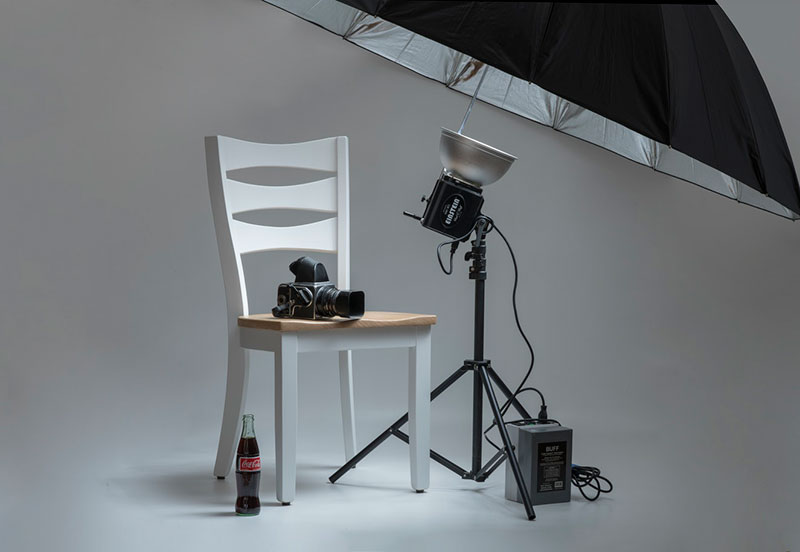
Everything you need to build your photography studio including gear, tools, and setup tips in one place!
*January 12, 2026 – Updated photo studio equipment guide with 27 essential categories including expert tips, products, and everything you need to set up your studio!
Setting up a photography studio can feel overwhelming. With so many lighting kits, backdrops, stands, and other studio gear on the market, it’s easy to waste money on the wrong equipment or miss essentials that make a big difference.
That’s why we created this complete photography studio equipment guide to help both beginners and professionals build a studio that works for their needs and budget.
Whether you want to transform a spare room at home or upgrade to a full professional setup, this photo studio equipment list covers every category of gear you’ll ever need.
Who is this Studio Guide For?
This guide is perfect for anyone setting up or upgrading a photo studio, whether at home or in a professional studio space. It’s designed for:
- Beginner photographers who want to know exactly what photo studio equipment they need without wasting money.
- Professional photographers looking to upgrade or organize their studio gear efficiently.
- Content creators and small business owners who want a functional, well-equipped photography space.
- Anyone curious about building a complete photo studio setup from lighting to backdrops and accessories.
By following this guide, you’ll have a clear roadmap for choosing the right photography gear for your space, style, and budget.
What You’ll Find in This Guide
✅ 27 essential studio equipment categories every photographer should know
✅ Best beginner tips for building your first photo studio setup
✅ Pro-level recommendations for a polished, client-ready studio
✅ Comparison tables and buying tips to avoid costly mistakes
Now, let’s dive into the complete photography gear checklist for home and professional studios, covering 27 essential categories.
You’ll find the best studio lighting, cameras, lenses, tripods, backdrops, and editing tools for both beginners and professional photographers.
Photography Studio Equipment Checklist: 27 Essential Categories
Note: Some links on this website are affiliate links and as an Amazon Associate, johnmakphotography.com earns from qualifying purchases – at no extra cost to you. Learn how it works.
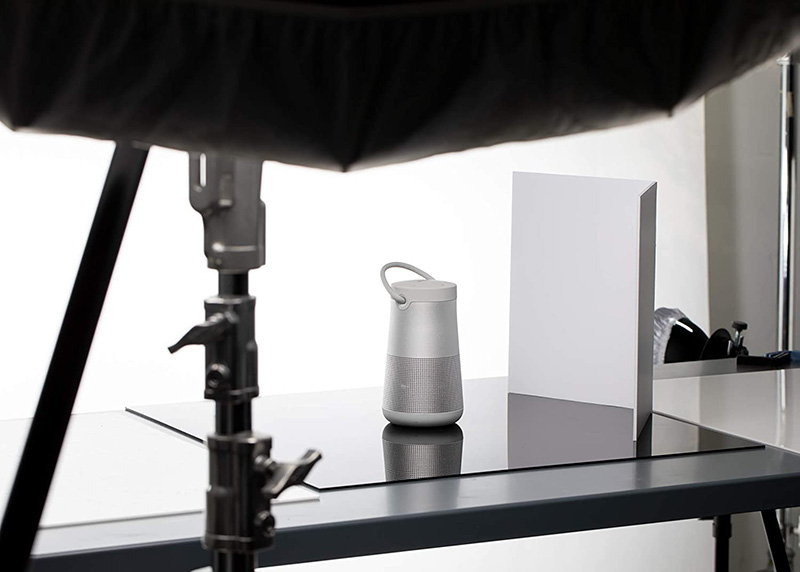
01. Photo Studio Space
01. Photo Studio Space
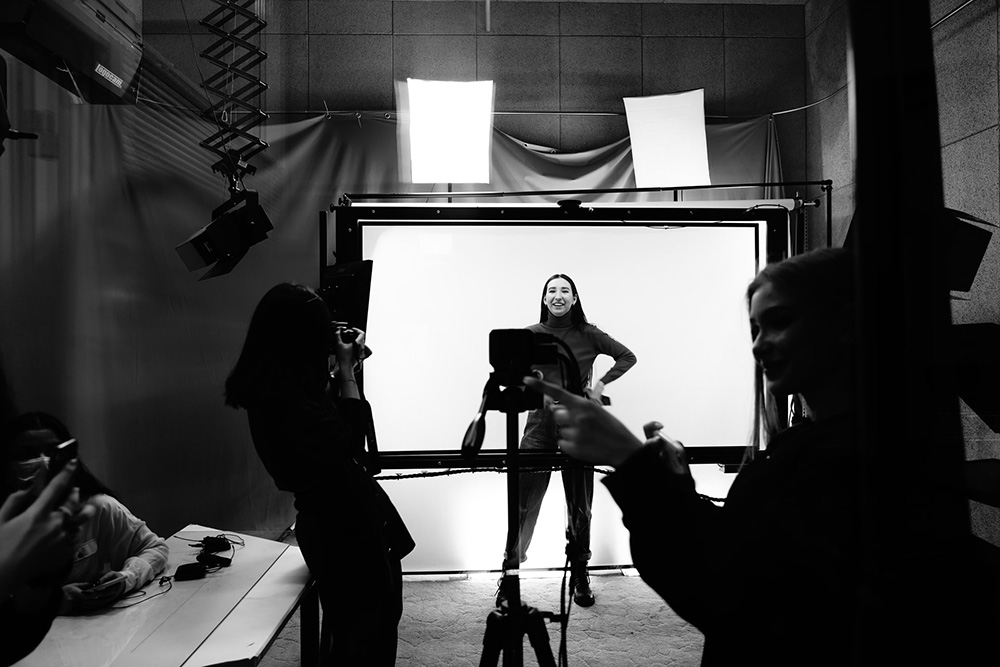
Creating the right photo studio space is the foundation of professional photography. A well-organized studio improves workflow, maximizes lighting efficiency, and allows you to shoot portraits, products, or commercial projects comfortably.
Whether you’re a beginner setting up a home studio or a pro upgrading a commercial space, this guide covers everything you need to design a functional, client-ready studio.
| Studio Type | Home Studio | Professional Studio | Rental Studio |
|---|---|---|---|
| Key Advantages | Convenience, Creative Control, Cost Savings | Advanced Equipment, Controlled Environment, Privacy & Space | Access Pro Gear, Variety of Settings, Consistent Conditions |
| Best For | Beginners, budget-conscious photographers | Professional/commercial work | Travel, portraits, one-off projects |
| Decision | ✔ Ideal if you want a low-cost, flexible setup at home | ✔ Ideal for pros needing space and full control | ✔ Ideal if you need gear and location flexibility without purchase |
Quick Tips for Every Studio
- High Ceilings: Allow for flexible lighting setups.
- Neutral Walls & Flooring: Helps with color accuracy.
- Organized Storage: Keep props, tripods, and gear tidy.
- Lighting Zones: Plan dedicated areas for key, fill, and background lights.
Key Areas & Setup Essentials
- Studio Room Essentials: Flooring, walls, ceiling options, and space layout tips.
- Lighting Placement & Setup: Arrange lights, softboxes, and reflectors for optimal results.
- Backdrop Areas: Space for seamless paper, fabric, or vinyl backdrops.
- Storage & Organization: Shelving, cabinets, and mobile carts for equipment and props.
Studio Setup Tips & Buying Guide
- Choose a space with high ceilings for flexibility with lighting and modifiers.
- Ensure natural light control with blackout curtains or shades.
- Plan for power outlets near shooting areas to avoid tripping hazards.
02. Studio Lighting
02. Studio Lighting
Understanding Studio Lights
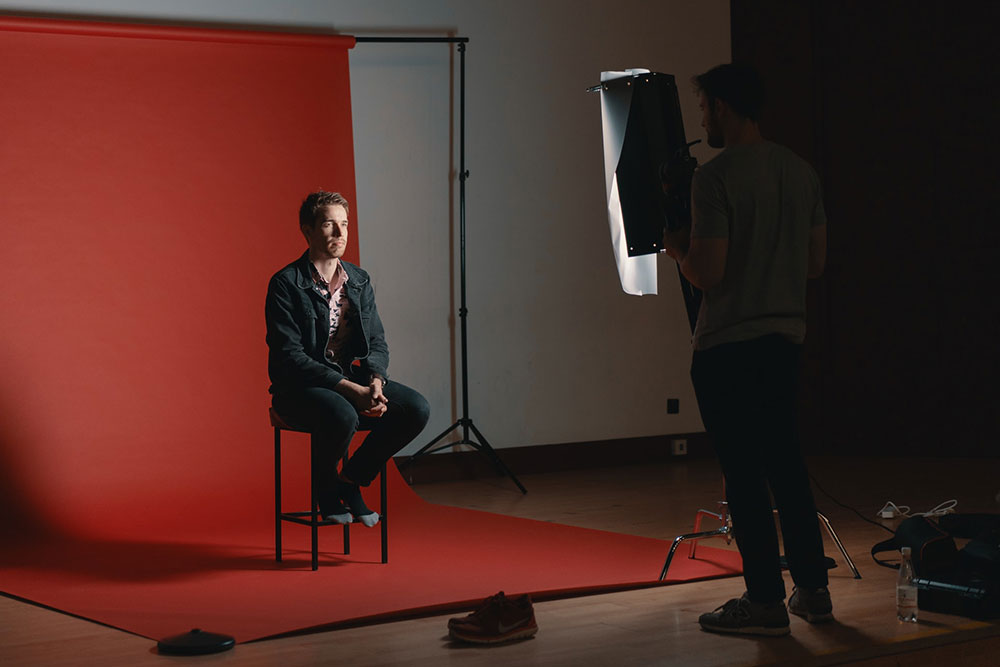
Lighting can make or break a photograph. Studio lights give you the power to shape your images by controlling brightness, shadows, and color. Whether you’re working in a small home setup or a professional studio, the right lights make it easier to capture sharp, professional-quality photos and videos every time.
Why Lighting Matters
Good lighting isn’t just about seeing your subject, it’s about shaping the mood and emphasizing details. With carefully chosen gear, you can highlight textures, control shadows, and create the exact atmosphere you want. The right setup ensures consistency across portraits, product shoots, or video projects, giving your work a polished, professional look.
Types and Purpose of Studio Lights
| Studio Light Type | Continuous Lights | Strobes / Flash Units | Speedlights |
|---|---|---|---|
| Light Source | Constant illumination, always on | High-powered bursts of light, triggered per shot | Portable flashes, triggered per shot |
| Power & Output | Lower output, best for small setups or video | High output, ideal for controlled studio photography | Moderate power, suitable for small studios and on-location shoots |
| Control | Adjust brightness in real time, easy for lighting experiments | Precise power control, adjustable via settings or remote | Manual or TTL modes, portable and flexible positioning |
| Best For | Video, beginner setups, home studios | Professional portraits, commercial shoots, product photography | Event photography, outdoor and location shoots, travel |
| Portability | Usually stationary, larger setups | Moderate weight, can be moved but requires setup | Very portable, battery-powered, easy to carry |
| Cost | Lower cost, simple lighting for small studios | Higher cost, professional-grade output and durability | Moderate cost, versatile and travel-friendly |
| Special Features | Continuous light for video and photography, can see results in real time | Fast recycle time, compatible with various modifiers, high consistency | Compact design, TTL support, works well with modifiers and portable kits |
Choosing the Right Studio Light
Choosing the right type of studio light depends on your photo studio setup, the space you’re working in, and the type of work you do.
Each type of light, whether continuous, strobe, or speedlight, offers unique advantages for different photography styles.
Understanding their purpose and how they fit into your overall photography studio equipment will help you make informed decisions and build a versatile photo studio that delivers professional results every time.
03. Continuous Lights
03. Continuous Lights
Finding the Right Continuous Lights
Choosing the right lighting can feel overwhelming, but it doesn’t have to be. For those just starting out, continuous lights are a friendly, beginner-proof option. They’re great for home setups and versatile enough for more professional studios looking to upgrade.
How Continuous Lights Work
Unlike flashes, continuous lights stay on while you’re shooting, letting you see exactly how shadows and highlights fall on your subject. Many use adjustable LED panels with warm and cool tones, giving you flexibility to fine-tune the mood and colors in your images. This makes them incredibly useful for portraits, product photography, or video shoots.
Why Photographers Love Continuous Lights
The biggest advantage of continuous lighting is control. You can adjust brightness, soften shadows, and experiment with different modifiers to create the exact look you want. Portable options even allow you to take your setup on location. With the right gear, continuous lights make it easier to explore creative techniques while keeping your workflow smooth and predictable.
✔ Best Budget Pick
Godox SL60IID Daylight (75W) LED Video Light
Godox SL60IIBI Bi-Color (75W) LED Video Light
| Buying Factor | Godox SL60IID Daylight LED | Godox SL60IIBI Bi-Color LED |
|---|---|---|
| Key Advantages | Simple daylight-only setup, strong brightness for budget studios | Adjustable color temperature, brighter output, flexible for creative shoots |
| Decision | ✔ Choose if you want simple daylight lighting with consistent results | ✔ Choose if you need flexibility, color control, and higher brightness |
🔆 Brightness & Power Output 60W
- Entry-level power.
- Works well in small studios or for close-up portraits, product shots, streaming/YouTube.
- Enough if you shoot with a camera at higher ISO or wider apertures.
- Limited when competing with bright windows or needing to light large spaces.
✔Editor’s Choice
Godox SL100D Daylight LED Video Light
Godox SL100BI Bi-Color LED Video Light
| Buying Factor | Godox SL100D Daylight LED | Godox SL100Bi Bi-Color LED |
|---|---|---|
| Key Advantages | Daylight-only 100W output; higher brightness than SL60; great with softboxes; quiet fan | 100W bi-color (≈2800–6500K); strong output; matches ambient or tungsten; effects modes |
| Decision | ✔ Choose if you want maximum brightness per dollar and consistent daylight output | ✔ Choose if you need flexibility to match environments and fine-tune warmth/coolness |
🔆 Brightness & Power Output 100W
- About 1.5–2× brighter than 60W.
- Better for medium-sized studios or when you want more flexibility with modifiers (softboxes, diffusers, grids).
- More room to shoot at lower ISO, faster shutter speeds, or smaller apertures (f/8, f/11).
- Solid middle ground for serious hobbyists and semi-pros.
✔ Professional Pick
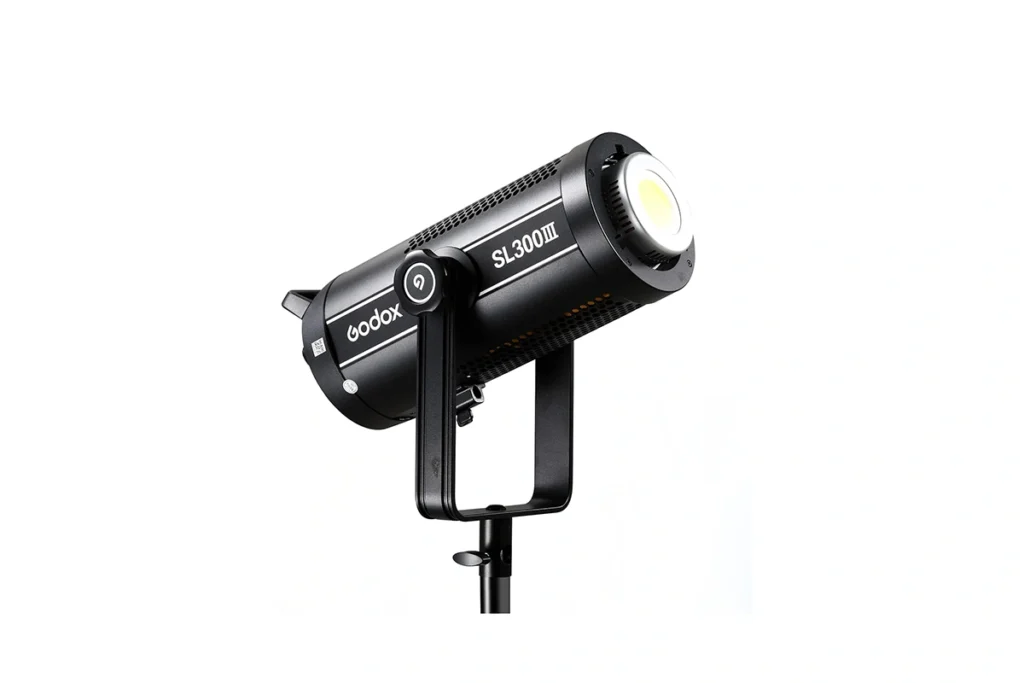
Godox SL300III Daylight LED Video Light
Godox SL300IIIBI Bi-Color LED Video Light
| Buying Factor | Godox SL300III Daylight LED | Godox SL300IIIBi Bi-Color LED |
|---|---|---|
| Key Advantages | Daylight-only 300W output; extremely bright; stable color; ideal for large modifiers and professional sets | 300W bi-color (≈2800–6500K); powerful and versatile; perfect for mixed lighting and cinematic looks |
| Decision | ✔ Choose if you want maximum brightness and consistent daylight for commercial studio work | ✔ Choose if you need pro-level power plus flexibility to match ambient light and control mood |
🔆 Brightness & Power Output 300W
- About 5× brighter than 60W.
- Designed for professional studios, commercial shoots, and large sets.
- Can overpower natural light or balance with sunlight through windows.
- Lets you use big modifiers (giant softboxes, umbrellas, diffusion panels) without losing brightness.
- Gives creative flexibility, you can shoot at lower ISO, faster shutter, or deeper depth of field without noise.
04. Strobe and Flash Lights
04. Strobe and Flash Lights
Understanding Strobe Lights
Strobe lights, or flash lights, are a key tool for professional photographers. They produce short, powerful bursts of light, giving precise control over exposure, shadows, and highlights.
Many pros use studio flash lighting setups for portraits, fashion, and product photography. Strobes help achieve consistent, polished results built on years of experience.
Why Pro Photographers Use Strobes
Strobes deliver short, powerful bursts that freeze motion, overpower ambient light, and let you use smaller apertures for crisp detail. Paired with beauty dishes, softboxes or parabolic modifiers, they shape skin tones, catchlights and shadow falloff in ways continuous panels often can’t.
Seasoned pros favor strobes for portrait and fashion work because of that control and repeatability—many still pair strobes (key/rim) with LEDs for fill or video when needed.
When to Choose Strobes Over Continuous Lights
Strobes are perfect when you need more power, faster flash duration, or precise lighting control. Comparing strobe vs continuous lighting helps decide which fits a shoot.
High-fashion sessions, fast-action photography, and detailed product setups often demand strobes for the best results.
Getting the Most Out of Your Strobes
Pro setups often use top strobe light brands, portable strobe lights for events, or studio strobe lighting for fashion.
Techniques like how to sync strobe lights with a camera, off-camera flash, or the best flash triggers for studio give full creative control.
Beginners can start with strobe lighting kits for beginners, but professionals leverage years of practice to produce dramatic, polished images every time.
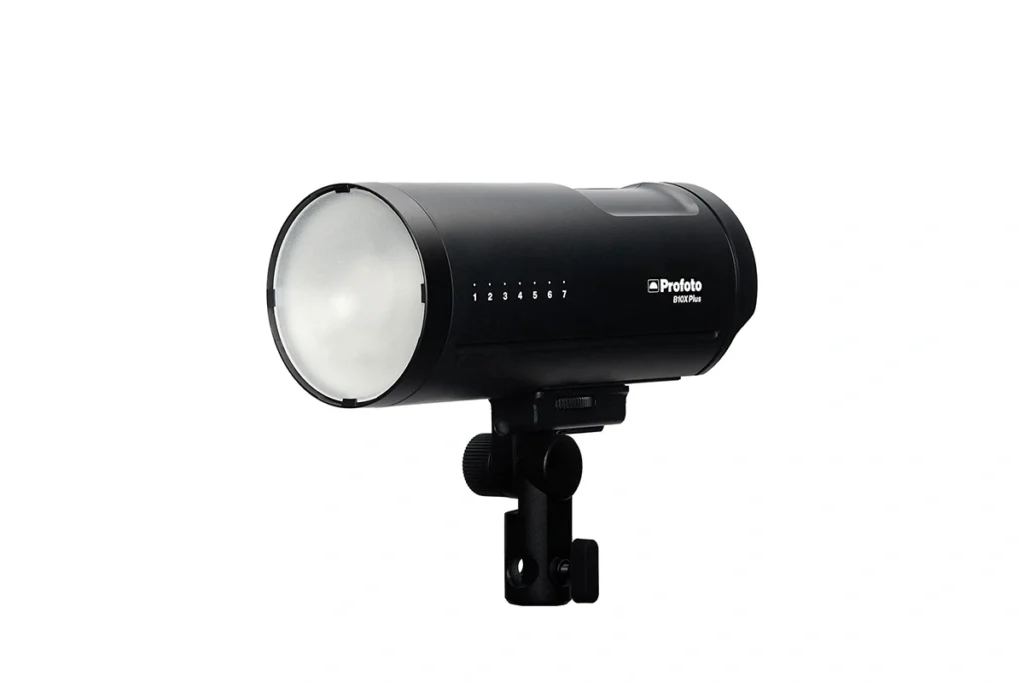
Godox AD300 Pro
Profoto A2 Monolight
| Strobe Light | Godox AD300 Pro | Profoto A2 Monolight |
|---|---|---|
| Why Consider It | Portable 300Ws strobe with consistent power output, perfect for both studio and location shoots | Compact premium light with excellent color accuracy and build quality for demanding sessions |
| Key Benefits | Lightweight, reliable wireless system, and wide range of modifiers for creative flexibility | Intuitive controls, fast recycling, and seamless integration with Profoto’s ecosystem |
05. Speedlights
05. Speedlights
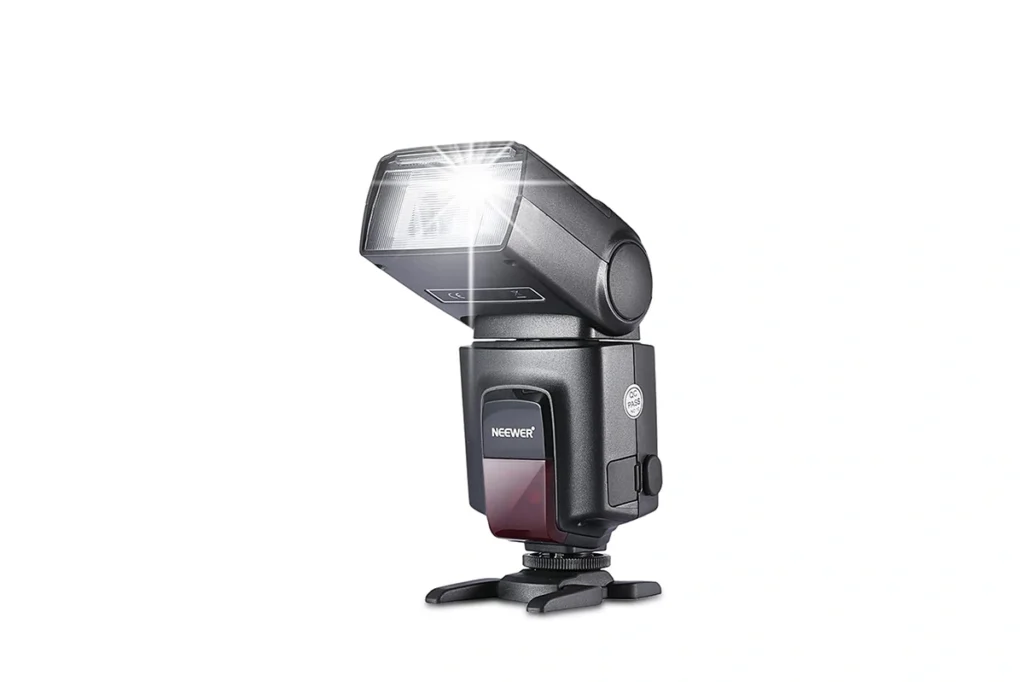
What Are Speedlights?
Speedlights are compact, battery-powered flashes designed for photographers who need portable, reliable lighting. Unlike bulky studio strobes, speedlights fit in your bag and deliver consistent bursts of light. They are perfect for portraits, events, and small studio setups.
Why Choose Speedlights for Your Studio Kit?
- Portable & Lightweight – Easy to carry for location shoots.
- Flexible Lighting Control – Adjust direction, power, and modifiers for creative effects.
- Beginner to Pro Friendly – Simple enough for newcomers, powerful enough for professionals.
- Cost-Effective – Get studio-quality results without investing in heavy, expensive strobes.
Speedlights vs. Strobes: Which Should You Pick?
If you need mobility and quick setups, speedlights are the smarter choice. Strobes work best for large studio productions, but speedlights shine when you’re working solo, on the move, or in tighter spaces.
Ready to Upgrade Your Lighting?
Browse our recommended speedlight kits and accessories to start building a versatile, portable lighting setup that fits your style.
Godox V1 Pro - Sony
Godox V100 - Sony
| Flash | Godox V1 Pro | Godox V100 |
|---|---|---|
| Why Consider It | Round head design delivers natural light falloff, making it versatile for portraits, events, and studio setups | Compact yet powerful, offering reliable performance for both on-camera and off-camera use |
| Key Benefits | Strong battery life, fast recycling times, and compatibility with Godox wireless system | Lightweight, easy to carry, and integrates seamlessly with modifiers and accessories |
| Compatibility | Both available for Nikon, Sony, Canon, and Olympus camera systems | |
06. Light Modifiers
06. Light Modifiers
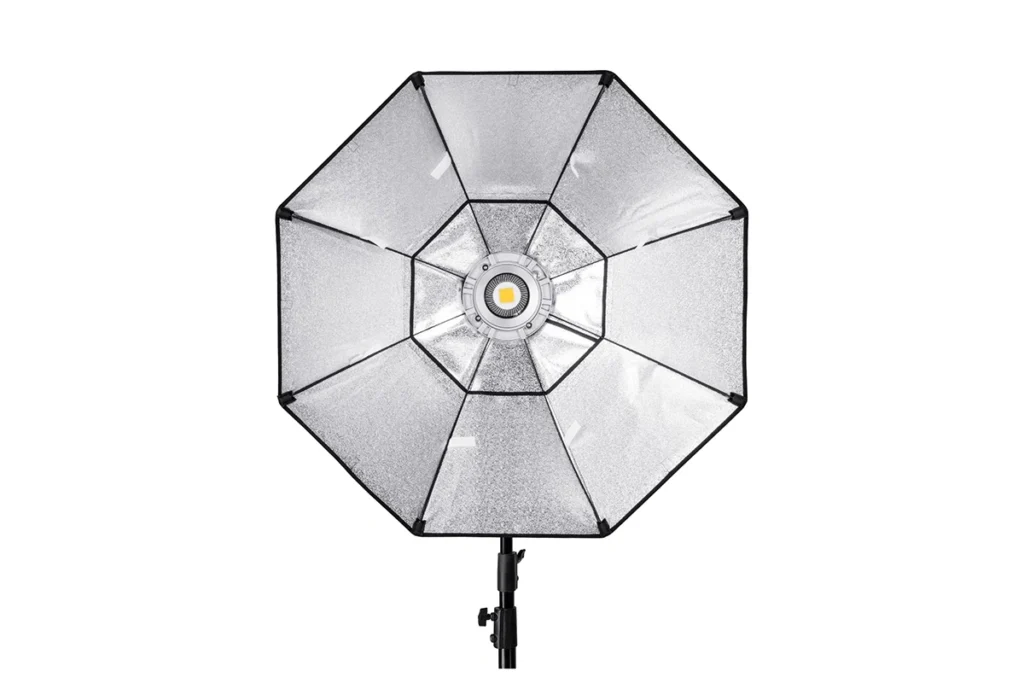
What Are Light Modifiers?
Light modifiers are necessary equipment for photo studios that shape, soften, or direct the light from your flashes, speedlights, or strobes. They help you control the mood, reduce harsh shadows, and create professional-quality results straight out of the camera.
| Category | Type / Benefit | Description |
|---|---|---|
| Why Add Light Modifiers? | Creative Control | Soften, diffuse, or focus your light to match your style. |
| Professional Results | Achieve studio-quality portraits without heavy retouching. | |
| Versatility | Work with any type of light, from speedlights to continuous lighting. | |
| Affordable Upgrades | Enhance your setup without replacing your main gear. | |
| Common Types of Light Modifiers | Softboxes & Umbrellas | Smooth and diffuse light for flattering portraits. |
| Reflectors | Bounce light to fill shadows and balance your scene. | |
| Grids & Snoots | Add dramatic, directional lighting with precision. | |
| Beauty Dishes | Perfect for fashion and beauty shots with crisp highlights. | |
| Gels & Diffusers | Introduce color effects or soften harsh light on the go. |
Light Modifiers vs. Bare Bulb Lighting
Shooting with a bare flash can create harsh shadows and unflattering highlights. Light modifiers transform that raw light into something softer, more natural, and more creative making them an essential investment for any photographer who wants consistent, professional results.
Ready to Elevate Your Lighting?
Explore our recommended light modifiers and kits to unlock endless creative possibilities in your home studio or on-location shoots.
NEEWER 43 Inch Light Reflector & Diffuser
Godox 70 inch Black White Reflective Umbrella
| Modifier | NEEWER 43 Inch Light Reflector & Diffuser | Godox 70 Inch Black White Reflective Umbrella |
|---|---|---|
| Why Consider It | Versatile 5-in-1 design for bouncing, diffusing, and shaping light in both studio and outdoor setups | Large reflective surface creates broad, soft light—ideal for portraits, groups, and fashion work |
| Key Benefits | Lightweight, foldable, and easy to carry; excellent budget-friendly tool for controlled lighting | Durable construction with simple setup; produces flattering, wraparound light with natural tones |
07. Softboxes
07. Softboxes
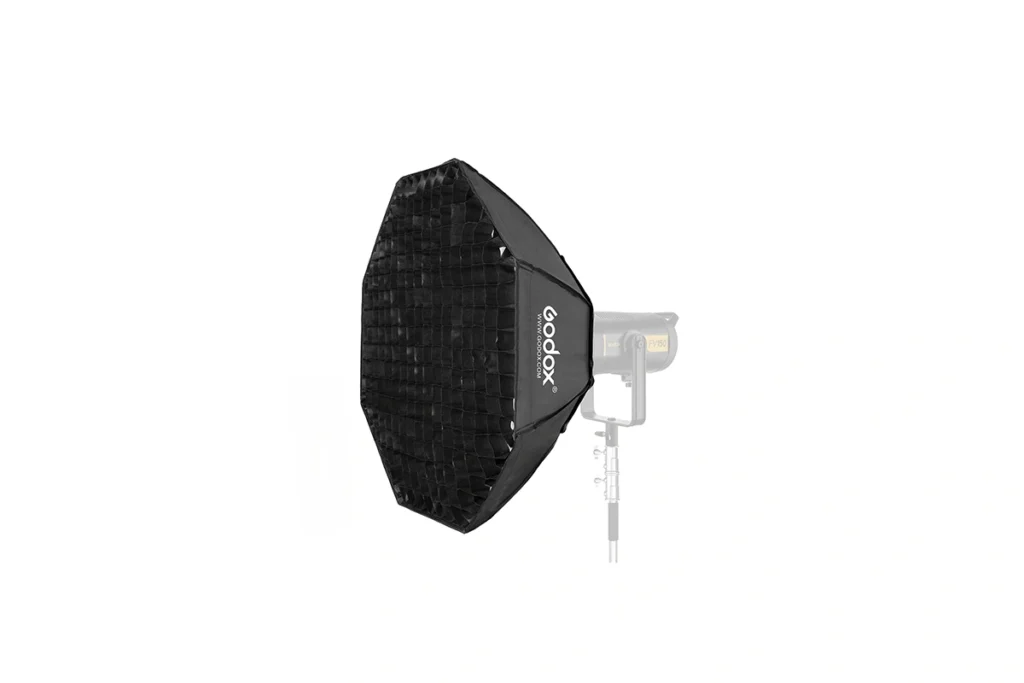
What Is the Use of Softboxes in a Photo Studio?
Softboxes are light modifiers that diffuse your flash or strobe, creating soft, even lighting. They’re perfect for portraits, product shots, and any situation where harsh shadows need to be tamed.
| Category | Type / Benefit | Description |
|---|---|---|
| Why Use Softboxes? | Soft, Natural Light | Reduce harsh shadows and highlights for flattering results. |
| Professional Quality | Achieve studio-level lighting without expensive setups. | |
| Versatile Sizes & Shapes | From small speedlight softboxes to large studio options. | |
| Easy to Use | Quick to set up and compatible with most flashes and strobes. | |
| Types of Softboxes | Rectangular & Square | Ideal for controlled portrait lighting. |
| Octagonal (Octabox) | Produces a natural, rounded catchlight in the eyes. | |
| Strip Softboxes | Perfect for rim lighting or accenting edges. |
Softboxes vs. Umbrellas
Unlike umbrellas, softboxes provide more directional and controlled light, making it easier to shape and position your lighting exactly where you want it.
Ready to Light Like a Pro?
Browse our recommended softboxes and kits to upgrade your photography studio equipment and elevate your portraits, products, and studio setups.
NEEWER 35.4'' Octagonal Softbox
SmallRig 35" Octagonal Softbox
| Modifier | NEEWER 35.4” Octagonal Softbox | SmallRig 35″ Octagonal Softbox |
|---|---|---|
| Why Consider It | Affordable octagonal softbox that delivers soft, even lighting for portraits and product photography | Well-built modifier designed for professional use, offering consistent and reliable light diffusion |
| Key Benefits | Quick to assemble, lightweight, and portable—great value for studio or location setups | Durable materials, sturdy construction, and excellent light control for demanding photo or video shoots |
08. Reflectors and Diffusers
08. Reflectors and Diffusers
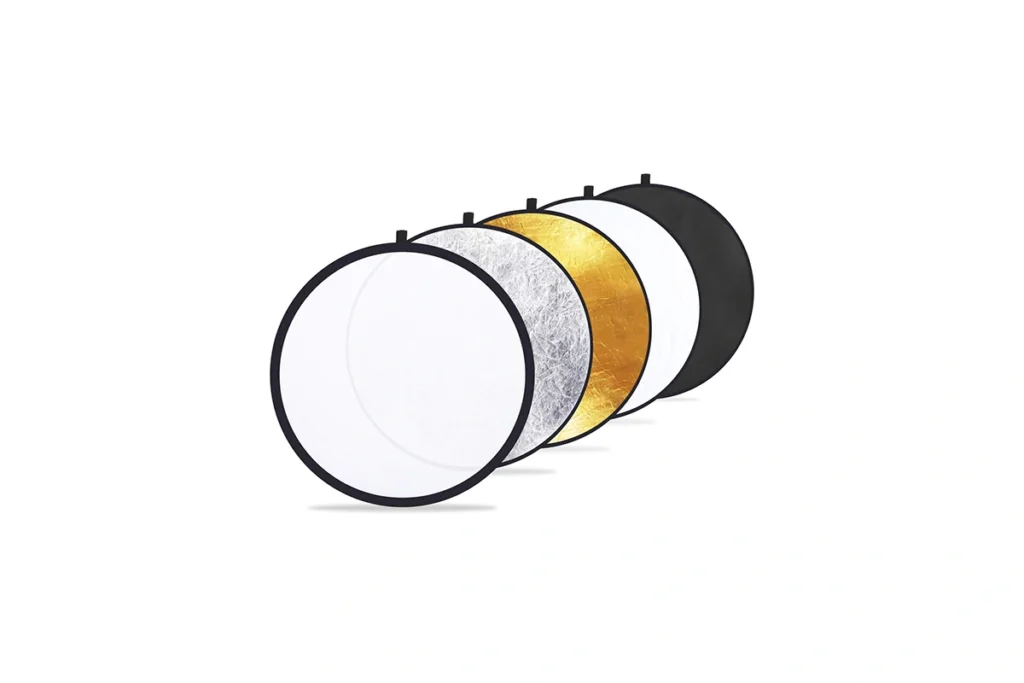
What Are Reflectors & Diffusers?
Reflectors bounce or soften light to fill shadows, while diffusers reduce harshness from direct flashes or strobes. Both are essential tools for shaping light without adding extra equipment.
| Category | Type / Benefit | Description |
|---|---|---|
| Why Use Reflectors & Diffusers? | Soft, Balanced Light | Eliminate harsh shadows and highlights. |
| Portable & Lightweight | Easy to carry for on-location shoots or small studios. | |
| Versatile Use | Work with speedlights, strobes, or natural sunlight. | |
| Budget-Friendly Upgrade | Enhance your lighting setup without expensive gear. | |
| Types of Reflectors & Diffusers | Reflectors | White, silver, gold, or multi-colored surfaces for fill or creative light effects. |
| Diffusers | Panels, soft discs, or pop-up umbrellas that soften direct light. | |
| Combination Kits | Some reflectors include built-in diffusing surfaces for maximum flexibility. |
Reflectors & Diffusers vs. Bare Light
Using bare light can produce unflattering shadows and uneven highlights. Reflectors and diffusers tame and control light, giving your subjects a polished, professional look.
Ready to Perfect Your Light?
Check out our recommended reflector and diffuser kits to add versatility and control to your studio or on-location shoots.
Godox 40"x60" Collapsible Photography Light Reflector
K&F Concept U-Shape Reflector 180x60cm with Storage Bag
| Reflector | Godox 40″x60″ Collapsible Photography Light Reflector | K&F Concept U-Shape Reflector 180x60cm with Storage Bag |
|---|---|---|
| Why Consider It | Large, versatile reflector that folds down for portability—ideal for shaping light in portrait and product work | Special U-shape design that provides broad, even fill for full-body portraits and studio setups |
| Key Benefits | Collapsible build makes it easy to transport and store, suitable for both indoor and outdoor use | Comes with a storage bag, durable frame, and excellent coverage for professional lighting control |
09. Studio Umbrellas
09. Studio Umbrellas
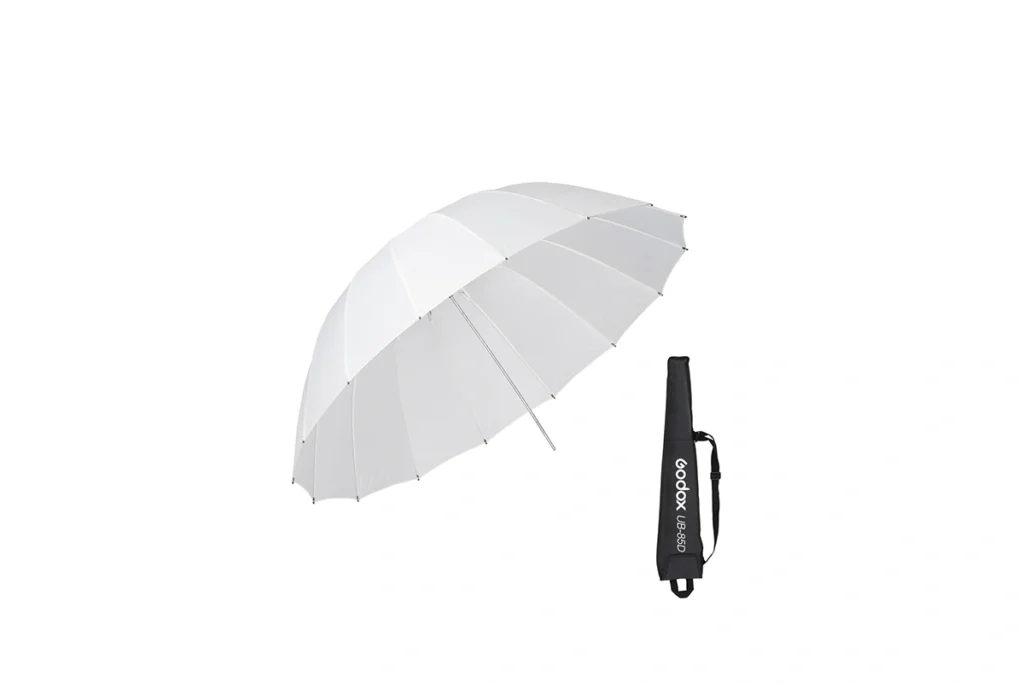
What Are Studio Umbrellas?
Studio umbrellas are light modifiers that soften and spread light from your flash or strobe. They’re a versatile, easy-to-use tool for creating flattering portraits, product shots, and natural-looking studio lighting. They can be used as high-end photo studio equipment for professionals.
| Category | Type / Benefit | Description |
|---|---|---|
| Why Use Studio Umbrellas? | Soft, Even Light | Reduce harsh shadows and highlights for professional-quality results. |
| Fast Setup | Lightweight and quick to assemble, perfect for both studio and on-location shoots. | |
| Multiple Styles | Shoot-through umbrellas for soft diffusion or reflective umbrellas for controlled bounce. | |
| Affordable & Flexible | A cost-effective way to upgrade your lighting without investing in large softboxes. | |
| Types of Studio Umbrellas | Shoot-Through Umbrellas | Diffuse light evenly over your subject. |
| Reflective Umbrellas | Bounce light for more controlled, directional illumination. | |
| Collapsible Umbrellas | Portable options ideal for travel or small studios. |
Studio Umbrellas vs. Softboxes
Umbrellas are faster to set up and more portable than softboxes, but they provide less directional control. They’re perfect for photographers who need speed, flexibility, and soft light without heavy equipment.
Ready to Simplify Your Lighting?
Explore our recommended studio umbrellas and kits to add quick, versatile, and professional lighting to your photography studio setup.
Godox UB-85D Parabolic Umbrella 33.5"
Neewer 37" Collapsible Softbox Umbrella
| Modifier | Godox UB-85D Parabolic Umbrella 33.5″ | Neewer 37″ Collapsible Softbox Umbrella |
|---|---|---|
| Why Consider It | Parabolic umbrella designed to create soft yet directional light, ideal for portraits and studio setups | Affordable umbrella softbox that combines portability with diffused lighting for beginners and enthusiasts |
| Key Benefits | Lightweight, easy to set up, and offers versatile light control with optional diffusers | Quick to assemble, folds easily for travel, and provides soft light at a budget-friendly price |
10. Adjustable Lighting Kits
10. Adjustable Lighting Kits
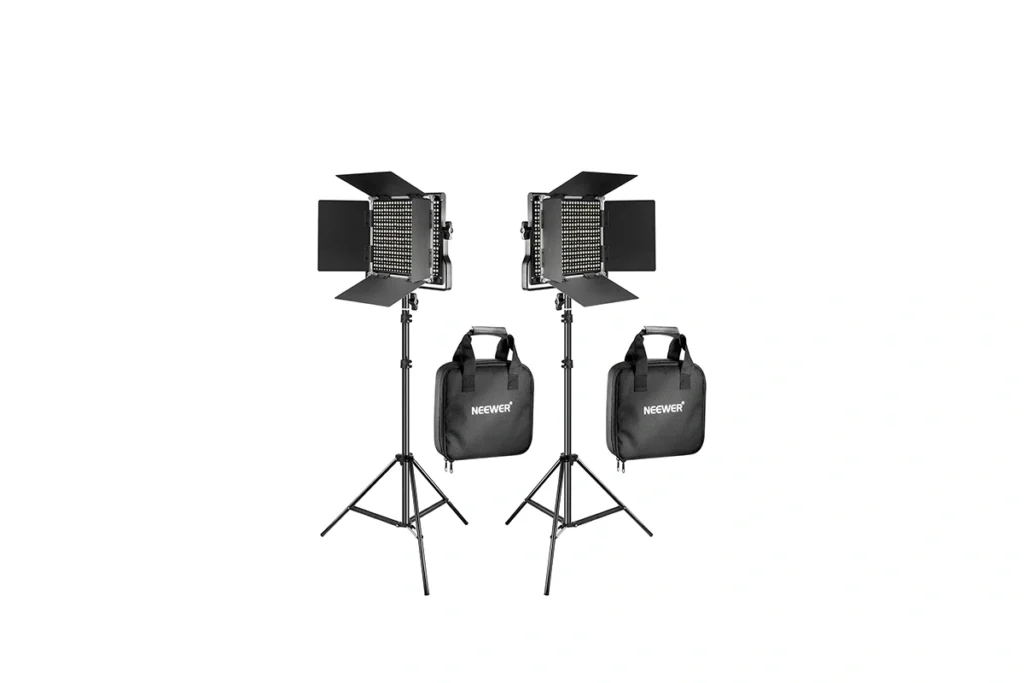
What Are Adjustable Lighting Kits?
Adjustable lighting kits are complete setups that include lights, stands, and often modifiers, designed to give you full control over intensity, direction, and quality of light. They’re ideal for photographers who want versatile lighting solutions in one package.
| Category | Type / Benefit | Description |
|---|---|---|
| Why Choose Adjustable Lighting Kits? | Full Control | Adjust brightness, angle, and position to match any shooting scenario. |
| All-in-One Convenience | Includes lights, stands, and sometimes softboxes or umbrellas. | |
| Versatile Applications | Perfect for portraits, products, or content creation. | |
| Time-Saving Setup | Quickly assemble a professional lighting setup without multiple trips to buy separate components. | |
| Types of Adjustable Lighting Kits | LED Adjustable Kits | Continuous light with variable intensity and color temperature. |
| Flash/Strobe Kits | Adjustable power for studio or on-location use. | |
| Hybrid Kits | Combine LEDs and strobes for maximum flexibility. |
Adjustable Lighting Kits vs. Single Lights
Unlike individual flashes or strobes, adjustable lighting kits provide a coordinated system that saves time, ensures consistent results, and gives you greater creative freedom.
Ready to Build Your Studio?
Browse our recommended adjustable lighting kits to get complete, versatile, and professional lighting solutions for your photography projects.
NEEWER 2 Pack Bi Color 660 LED Video Light
Godox LP600Bi Led Video Light
| Buying Factor | NEEWER 2 Pack Bi-Color 660 LED Video Light | Godox LP600Bi LED Video Light |
|---|---|---|
| Power Output | 40W (2x 660 LEDs) | 60W (1x 600 LEDs) |
| Color Temperature | 3200K–5600K (Bi-Color) | 2800K–6500K (Bi-Color) |
| Brightness | 3300 lux @ 1m | 2470 lux @ 3.3ft (5600K) |
| CRI/TLCI | ≥96 | ≥96 |
| Control | Manual dimming | App control, 11 lighting effects |
| Portability | Lightweight, includes stands and bags | Compact, includes barndoors and case |
| Best For | Studio setups, content creators, YouTubers | Vloggers, small studios, on-the-go shoots |
| Decision | ✔ Best for budget-friendly, versatile lighting | ✔ Best for advanced control and portability |
11. Photography Backdrops
11. Photography Backdrops
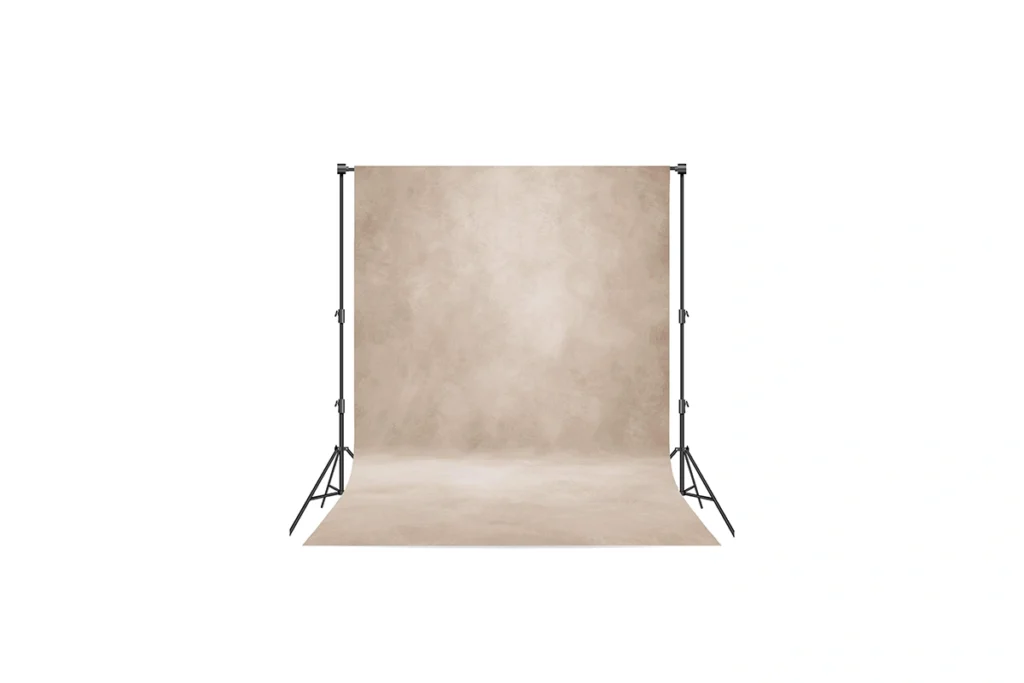
What Are Photography Backdrops?
Photography backdrops are part of your photography studio equipment that provide a background for your subject. They help set the mood, style, or overall look of your images. Available in a variety of materials, colors, and patterns from classic solids to creative prints—they work well for both studio and on-location shoots.
Why Photographers Use Backdrops
Backdrops give photographers more control over the scene and make it easier to achieve consistent, professional-looking results. They let you:
- Replace distracting environments with a clean or styled background.
- Add personality and creative flair to portraits, products, or commercial work.
- Keep the focus on the subject for a polished, distraction-free image.
- Maintain a consistent look across multiple sessions or clients.
Laeacco 3x5ft Newborn Baby Portrait Theme
Backdrops for Newborn Photography
Newborn photography uses soft, neutral backdrops like cotton or fleece in pastel tones, often combined with subtle textures, blankets, or props such as tiny beds and baskets to create a cozy, gentle setting that keeps the focus on the baby.
Kate 10x10ft/3x3m Light Yellow Backdrop
Abstract Backdrops for Kids and Families
Abstract or colorful backdrops with bright patterns or painted designs add energy, playfulness, and a modern artistic touch to kids and family portraits, making them ideal for birthdays, seasonal photos, or casual sessions.
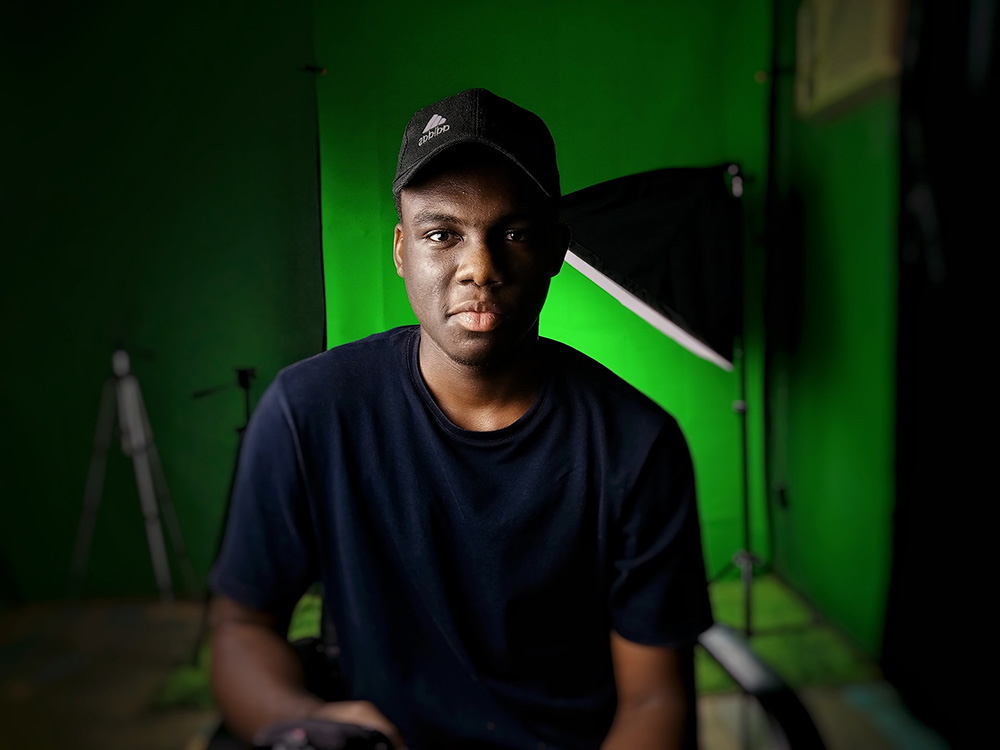
FUDESY 78.7 x 93in Extra Wide Large Collapsible Green Screen
Backdrops for Commercial Photography
Commercial photography backdrops should be clean, versatile, and professional, with solid white or gray for e-commerce, green screens for background replacement, and textured or branded options to create a distinct visual identity for marketing images.
12. Photography Clamps
12. Photography Clamps
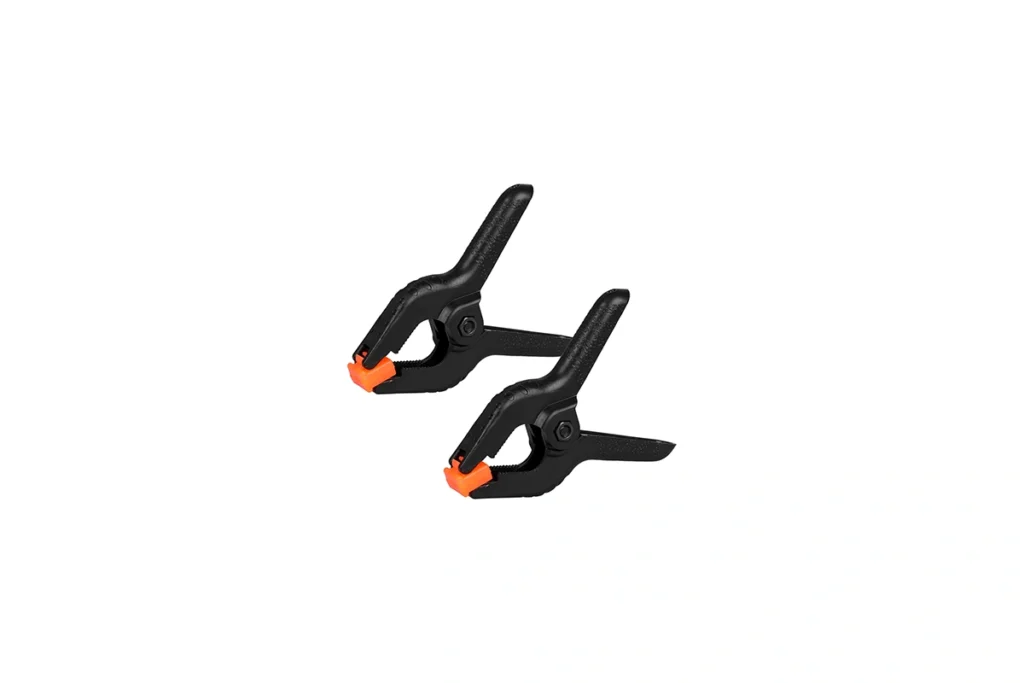
What Are Photography Clamps?
Photography clamps are versatile tools that hold lights, reflectors, backgrounds, and other accessories securely in place. They’re essential for maintaining a stable and organized studio environment.
Why Use Photography Clamps?
- Secure & Stable – Keep lights, modifiers, and backgrounds in place during shoots.
- Versatile Applications – Mount reflectors, gels, diffusers, or props anywhere.
- Portable & Durable – Lightweight yet strong enough for studio and on-location use.
- Cost-Effective – An affordable solution for organizing and improving your setup.
Types of Photography Clamps
- C-Clamps – Classic, strong clamps for heavy-duty mounting.
- Spring Clamps – Quick and easy for lightweight accessories.
- Multi-Purpose Grip Clamps – Flexible clamps for creative positioning of lights, backgrounds, and props.
Photography Clamps vs. DIY Mounting
Unlike makeshift solutions, professional photography clamps provide stability, safety, and precise positioning, reducing the risk of accidents and improving efficiency in your shoots.
Ready to Secure Your Studio?
Check out our recommended photography clamps to keep your lighting, backgrounds, and accessories firmly in place while you focus on creating stunning images.
Backdrop Spring Clamps With Hook- 2 Pack of 4"
Backdrop Plastic Spring Clamps - 2 Pack of 8.5"
| Accessory | Backdrop Spring Clamps With Hook – 2 Pack of 4″ | Backdrop Plastic Spring Clamps – 2 Pack of 8.5″ |
|---|---|---|
| Why Consider It | Compact 4″ clamps with built-in hook, perfect for securing lightweight backdrops and props | Larger 8.5″ clamps designed to grip heavy fabrics, seamless paper, or bulky studio backdrops |
| Key Benefits | Portable, versatile, and easy to use; available in multipacks for budget-friendly setups | Strong grip, wide jaw opening, and durable construction; also sold in packs for bigger studios |
13. Photography Props
13. Photography Props
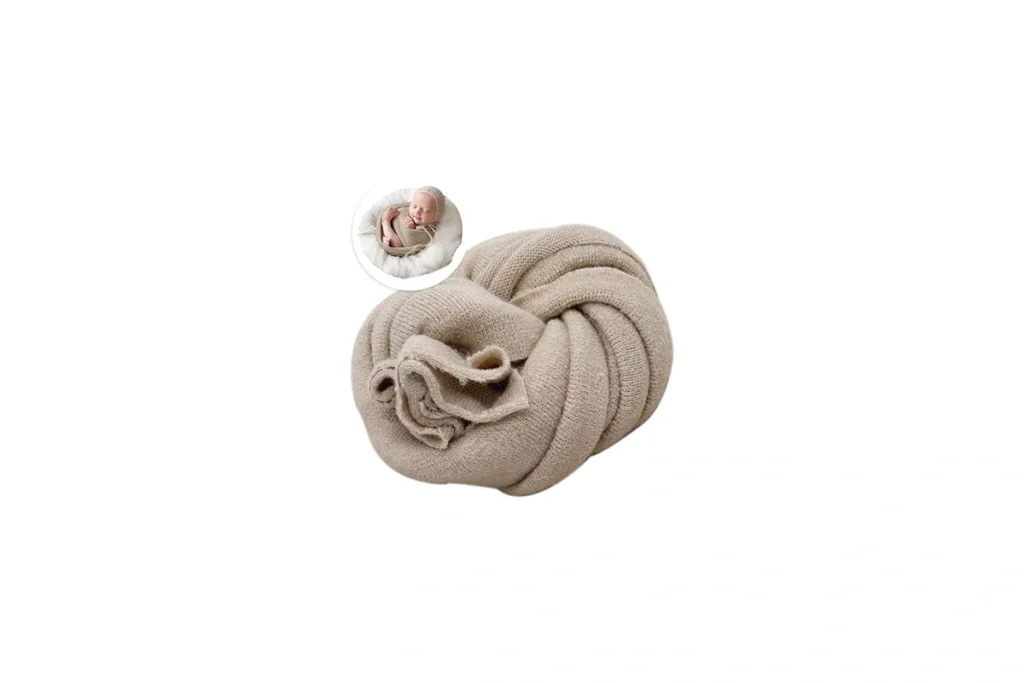
What Are Photography Props?
Photography props are objects or materials used to enhance the composition, theme, or storytelling of a photo. They help create context, mood, and interest, making your images more engaging and professional.
Why Use Photography Props?
- Enhance Creativity – Add personality and style to portraits, products, or flat lays.
- Set the Scene – Build themed shoots or seasonal concepts quickly.
- Versatile & Reusable – Work for studio or on-location sessions.
- Affordable Upgrade – Simple props can dramatically elevate your visuals without expensive gear.
Types of Photography Props
- Backdrops & Fabrics – Add texture, color, or context to your shots.
- Small Objects – Accessories, toys, or decorative items for lifestyle or product photography.
- Furniture & Stands – Chairs, stools, tables, or shelves for creative posing and product displays.
- Seasonal/Theme Props – Holiday, seasonal, or event-based items to create unique concepts.
Props vs. Bare Studio Setups
While bare setups rely solely on lighting and composition, props add context and visual interest, making your photos more memorable and professional-looking.
Ready to Elevate Your Scenes?
Explore our recommended photography props to add style, creativity, and versatility to every shoot.
| Buying Factor | Newborn Stretch Wrap | 8-Piece Geometric Cube Props |
|---|---|---|
| Material & Texture | Soft micro-milk fiber; 4-way stretch that’s gentle on baby’s skin | Hard polymer foam; lightweight, durable, waterproof |
| Shape & Use | Long wrap (30×70 in) useful for swaddling or bucket poses in newborn shoots | Eight cube props in various sizes (2″–7″) ideal for tabletop product and still-life setups |
| Portability | Foldable & lightweight—easy to store and transport | Compact foam cubes that are easy to carry and clean |
| Best For | Newborn photography—wrapping, nest posing, bucket fills | Product photography—background props for cosmetics, jewelry, food |
| Decision | ✔ Choose if you need a gentle, stretchy wrap tailored to newborn posing | ✔ Choose if you want versatile cube props for creative and styling shots |
14. Cameras
14. Cameras
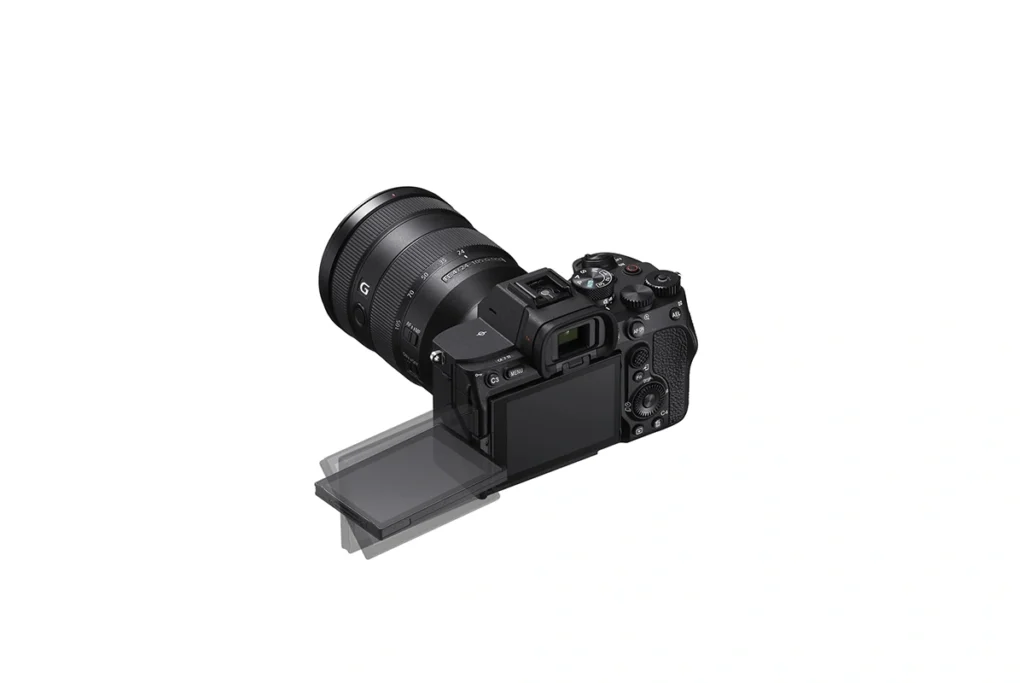
Cameras For Photography Studios
In a photography studio, photographers use professional cameras that provide high-resolution images, accurate color reproduction, and consistent performance in controlled lighting.
Mirrorless and medium-format cameras are commonly chosen for their ability to capture fine details, work with a wide range of lenses, and maintain reliable autofocus. These cameras are ideal for portraits, fashion shoots, product photography, and other creative studio projects.
How to Choose a Camera?
When selecting a camera for studio work, focus on features that maximize image quality and workflow efficiency:
- High-resolution sensor for detailed images
- Accurate color reproduction for portraits, fashion, and product photography
- Mirrorless or medium-format options for versatility and superior image quality
- Reliable autofocus for precise subject capture
- RAW support for maximum editing flexibility
- Tethering capability for real-time previews and controlled studio setups
- Compatibility with a variety of lenses and lighting equipment
Ready to Upgrade Your Studio?
Browse our recommended studio cameras to capture stunning portraits, products, and creative projects with confidence.
✔ Beginner/Budget Choice
| Camera | Sony a6700 | Canon R7 |
|---|---|---|
| Why It’s Ideal for Beginners | 24MP APS-C sensor with easy-to-use controls makes it simple to capture high-quality portraits and product shots | 32MP APS-C sensor offers intuitive operation and excellent image quality, perfect for learning studio photography |
| Beginner-Friendly Features | Reliable autofocus with real-time eye tracking helps new photographers achieve sharp, professional-looking results | Advanced Dual Pixel CMOS AF provides fast, accurate focus, making it easier for beginners to capture portraits and controlled studio shots |
✔ Editor’s Choice
| Camera | Sony a7 IV | Canon R6 Mark II |
|---|---|---|
| Why It’s Editor’s Choice | 33MP full-frame sensor with excellent detail and dynamic range makes it perfect for studio portraits and product photography | 24MP sensor offers reliable color and fast performance, ideal for versatile studio and hybrid shoots |
| Why Editors Recommend It | Advanced autofocus with real-time eye and face tracking ensures precise captures and smooth workflow in controlled studio setups | Dual Pixel CMOS AF II delivers fast, accurate focus and smooth subject tracking, making it a favorite for portrait and hybrid photographers |
✔ Professional Choice
| Camera | Sony a7R V | Canon R5 Mark II |
|---|---|---|
| Why It’s a Pro Choice | 61MP full-frame sensor delivers incredible detail, ideal for large-format portraits and product shots | 45MP sensor provides a balance of detail and file manageability, perfect for color-accurate studio portraits |
| Buying Decision Making | AI-driven autofocus with precise eye and face tracking ensures accuracy and efficiency in controlled studio setups | Dual Pixel CMOS AF II allows fast, reliable focus, making it a strong choice for hybrid photography and video workflows |
15. Lenses
15. Lenses
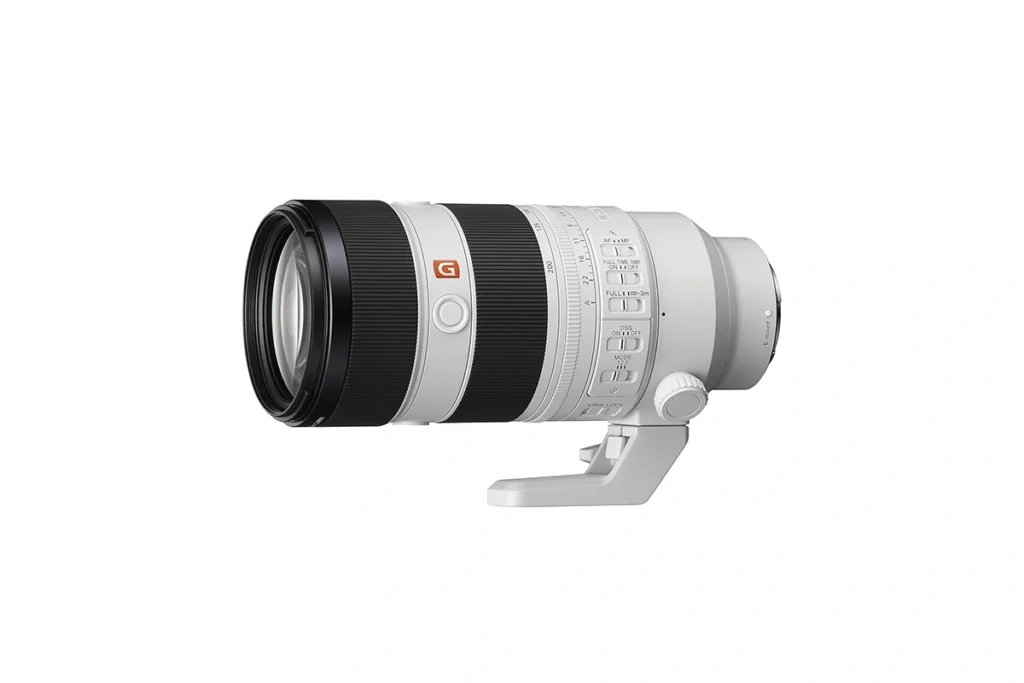
What Are Studio Lenses?
Studio lenses are designed to deliver sharpness, clarity, and precise control over depth of field in controlled lighting environments. They let photographers capture portraits, products, and creative compositions with professional results.
Choosing Lenses for Specific Studio Work
Portraits:
- 85mm Prime Lens – Ideal for classic headshots with beautiful background blur.
- 50mm Prime Lens – Great for full-body or environmental portraits with natural perspective.
Family or Group Portraits:
- 35mm or 40mm Lens – Wider coverage to fit multiple people without distortion.
- 24-70mm Zoom Lens – Flexible for tight groupings or varied poses.
Fashion & Editorial:
- 135mm or 150mm Prime Lens – Compressed perspective, flattering facial proportions, and high-detail captures.
- Tilt-Shift Lens – Precise perspective control for creative editorial effects.
Product Photography:
- 100mm Macro Lens – Capture small details with sharpness and clarity.
- 50mm or 85mm Prime – For larger products, clean backgrounds, and consistent framing.
Video & Motion Work:
- 24-70mm Zoom Lens – Versatile focal length for moving subjects or multi-angle coverage.
- 35mm Lens – Natural wide view for storytelling and capturing multiple subjects in frame.
Cine Lenses
Cine lenses are optimized for professional video and cinematic photography. They provide smooth focus transitions, precise aperture control, and minimal breathing, making them perfect for studio filmmaking, commercials, and high-end video content where every frame counts.
Ready to Perfect Your Shots?
Explore our recommended studio lenses to find the perfect optics for your portraits, fashion shoots, product photography, or video projects.
✔ Beginner/Budget Choice
| Lens | Sigma 28-70mm F2.8 DG DN | Canon RF 28-70mm F2.8 IS STM |
|---|---|---|
| Why It’s Ideal for Beginners | Versatile zoom range and constant F2.8 aperture make it easy to capture portraits, products, and outdoor scenes | Wide focal range and bright F2.8 aperture allow beginners to shoot portraits and controlled studio setups as well as outdoor photography |
| Beginner-Friendly Features | Lightweight design and smooth autofocus make it simple to handle in both studio and outdoor shooting | Image stabilization and reliable autofocus help beginners achieve sharp results in studio or outdoor conditions |
✔ Editor’s Choice
| Lens | Sony FE 50mm F1.4 GM | Canon RF 50mm F1.4 L VCM |
|---|---|---|
| Why It’s Editor’s Choice | Exceptional sharpness and contrast with minimal aberrations, ideal for portraits and creative studio work | Professional-grade sharpness with Canon’s signature rendering, perfect for clean and detailed portraits |
| Editor’s Recommendation | Smooth, creamy bokeh and fast, quiet autofocus ensure flattering results in studio photography | Rounded 11-blade aperture and precise VCM + Nano USM autofocus provide excellent subject isolation and reliable performance |
✔ Professional Choice
| Lens | Sony GM 70-200mm F2.8 OSS Mark II | Canon RF 70-200mm F2.8 L IS USM |
|---|---|---|
| Why It’s Professional Choice | Outstanding sharpness, contrast, and zoom range make it perfect for high-end portraits, fashion, and studio work | Professional-grade optics with consistent sharpness and color rendering, ideal for studio and editorial photography |
| Professional Features | Fast and precise autofocus with Optical SteadyShot ensures sharp results in controlled and dynamic studio setups | Image stabilization, fast USM autofocus, and versatile zoom range allow precise subject capture in portraits and studio projects |
16. Monitors
16. Monitors
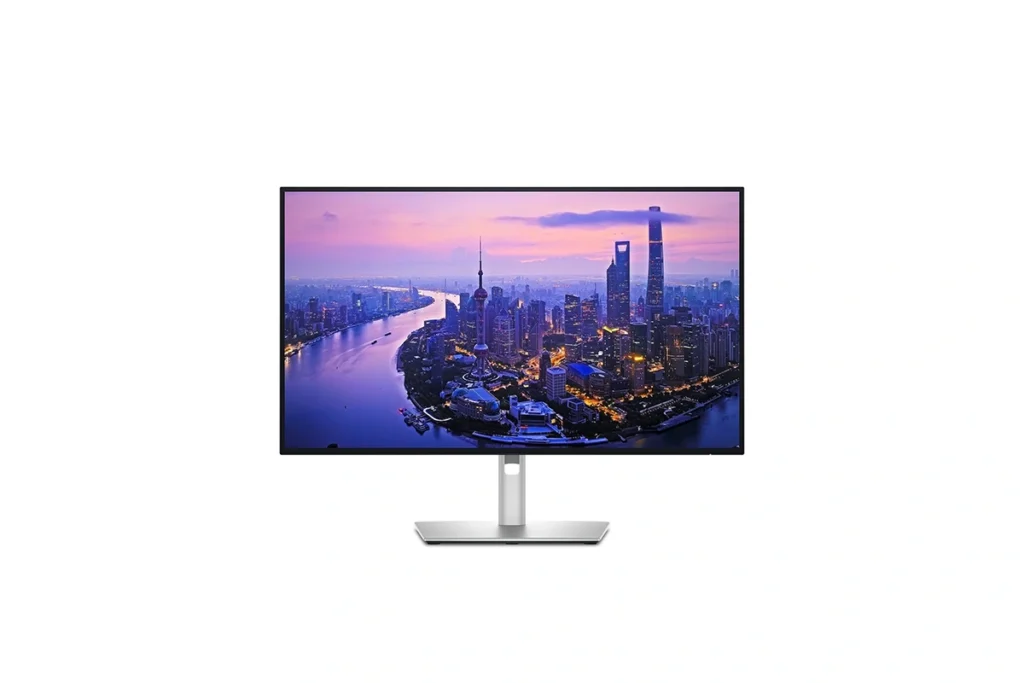
Choosing Monitors for a Photography Studio
Monitors are essential in a studio for evaluating images accurately, collaborating with clients, and maintaining a professional workflow. Different monitors serve different purposes, from editing to live previews to client viewing.
Color Accurate Monitors for Editing & Retouching
The main editing monitor is the most important in your studio. It should offer excellent resolution, a wide color gamut, and reliable calibration.
What to look for:
- Resolution: 4K or higher for precise detail.
- Panel Type: IPS panels for accurate colors and wide viewing angles.
- Color Coverage: 99–100% of AdobeRGB ensures true-to-life colors.
Using a color-accurate monitor ensures your edits are consistent, your prints match what you see on screen, and your work looks professional across all devices.
Ready to Choose the Right Monitor?
We recommend monitors with accurate color reproduction, high resolution, and wide viewing angles to ensure your photos and videos look their best.
BenQ SW272Q 27-inch 2K Photographer Monitor
Dell UltraSharp U2725QE 27" 4K UHS IPS
| Buying Factor | BenQ SW272Q 27″ 2K | Dell UltraSharp U2725QE 27″ 4K |
|---|---|---|
| Resolution | 2560×1440 (2K) – sharp & detailed for editing | 3840×2160 (4K) – ultra-detailed, future-proof |
| Color Accuracy | Factory calibrated, 99% AdobeRGB, 99% DCI-P3 | 99% sRGB & DCI-P3, excellent but slightly less AdobeRGB coverage |
| Features | Pantone validated, HDR10, shading hood included | USB-C hub with power delivery, modern productivity features |
| Best Use | Photo editing, color-critical work, print prep | Mixed use: photo editing, 4K video editing, productivity |
| Decision | ✔ Best for photographers who prioritize color accuracy & print results | ✔ Best for editors & creators who want 4K clarity & a versatile monitor |
17. Laptops
17. Laptops
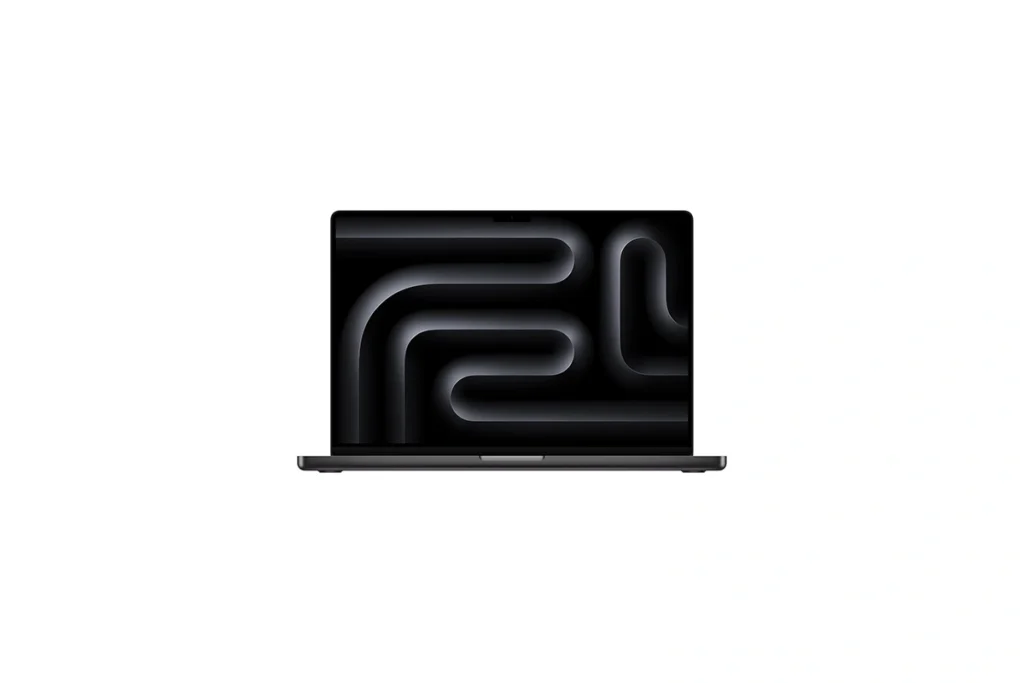
Laptops for a Photography Studio
A reliable laptop is the backbone of a modern photography studio. Whether you’re tethering, editing high-resolution RAW files, or presenting images to clients, your laptop needs to combine power, portability, and accurate display quality. Both Apple and Windows offer excellent choices depending on your workflow and budget.
What to Look For in a Studio Laptop
- Processor → Apple M4 Pro/Max or Intel i7/i9 (14th gen+) / AMD Ryzen 9.
- RAM → 32GB minimum (64GB recommended for Lightroom + Photoshop + video editing).
- Storage → At least 1TB SSD for large RAW libraries.
- Display → 4K or Retina, covering 100% sRGB / AdobeRGB.
- Ports → Thunderbolt 4/5/ USB-C for tethering and fast data transfer.
Ready to Choose the Right Laptop?
We recommend laptops with fast processors, plenty of RAM, and high-resolution displays to handle photo and video editing smoothly.
Apple Macbook Pro 16 inch M4 Pro
Asus ProArt P16 AMD Ryzen AI 9 HX 370
| Buying Factor | Apple MacBook Pro 16″ M4 Pro | ASUS ProArt P16 Ryzen AI 9 HX 370 |
|---|---|---|
| Performance | M4 Pro chip with up to 14-core CPU + 20-core GPU, optimized for Final Cut Pro, Lightroom, Photoshop. | Ryzen AI 9 HX 370 CPU with built-in NPU + dedicated RTX GPU options, strong for multitasking & AI-based editing. |
| Display | 16″ Liquid Retina XDR, 120 Hz ProMotion, HDR1000, perfect for color-critical editing. | 16″ 4K OLED touchscreen, high brightness, wide color gamut, creator-focused accuracy. |
| Cooling & Build | Aluminum unibody, efficient cooling, long battery (up to 24 h). | Slim chassis with 120W thermal system, lightweight but powerful under load. |
| Connectivity | Thunderbolt 5, HDMI, SDXC, MagSafe, best for Mac ecosystem workflows. | USB4, Wi-Fi 7, HDMI, full creator I/O, wider compatibility with Windows ecosystem. |
| Best For | ✔ Professionals seeking stability, battery life & seamless Apple ecosystem integration. | ✔ Creators needing AI acceleration, RTX GPU power, and flexible Windows workflow. |
18. Printers
18. Printers
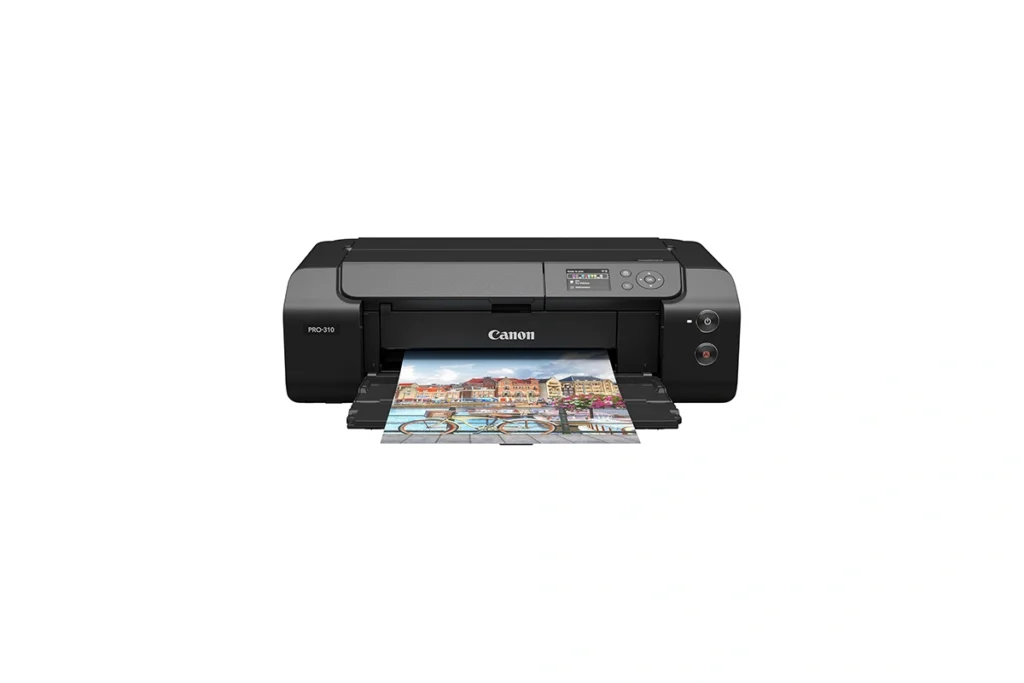
Printers for a Photography Studio
A quality printer is essential in a photo studio to produce professional, gallery-quality prints. Whether you’re delivering client portraits, fine art prints, or product photography, the right printer ensures your colors, contrast, and details are faithfully reproduced.
What to Look for in a Studio Printer
- Color Accuracy → Look for printers with wide color gamut (AdobeRGB or DCI-P3) for true-to-life tones.
- Print Size → Choose between 8×10”, 11×14”, or large-format printers depending on your output needs.
- Ink Type → Pigment-based inks are ideal for longevity and vibrant colors. Dye inks are faster and cheaper but may fade quicker.
- Connectivity → USB, Wi-Fi, or Ethernet connections for easy tethered printing during shoots.
Ready to Choose the Right Printer?
We recommend printers that deliver consistent, high-quality prints with accurate colors and sharp details.
Canon imagePROGRAF Professional 13" PRO-310 Wireless
Epson EcoTank Photo ET-8550 Wireless Wide-Format
| Buying Factor | Canon imagePROGRAF PRO-310 13″ Wireless | Epson EcoTank Photo ET-8550 Wireless Wide-Format |
|---|---|---|
| Print Quality | Uses 10-color LUCIA PRO pigment inks for gallery-quality, accurate tones & deep blacks. | 6-color Claria ET inks, vibrant and smooth for photos but less archival than pigment inks. |
| Print Size | Supports up to 13″ x 19″ prints, ideal for fine art, portraits, and professional proofing. | Prints up to 13″ x 19″ and wide-format scanning/copying, versatile for office + studio use. |
| Ink System | Cartridge-based pigment system, optimized for precision & consistency in pro photo printing. | EcoTank refill system, cost-efficient with thousands of prints per refill set. |
| Workflow & Connectivity | Wi-Fi, Ethernet, USB; professional software support (Canon Print Studio Pro, ICC profiles). | Wi-Fi, mobile printing, SD card slot; user-friendly for both studio and home use. |
| Best For | ✔ Professional photographers seeking archival, exhibition-ready prints. | ✔ Creators needing affordable, everyday wide-format photo printing. |
19. Memory Cards
19. Memory Cards
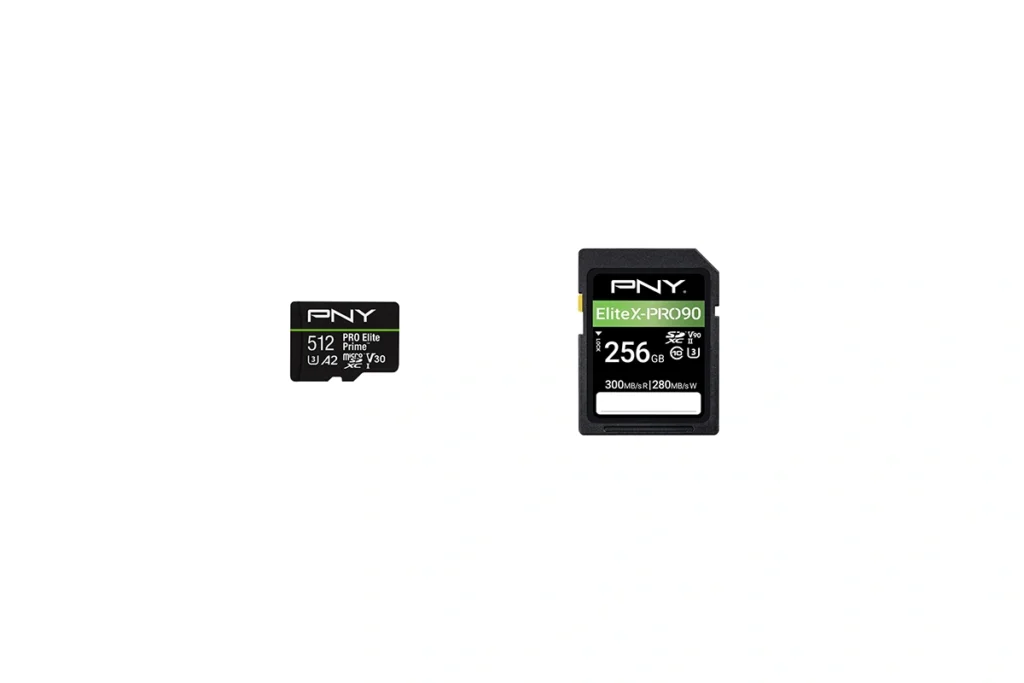
Memory Cards for a Photography Studio
Memory cards are a vital part of any studio setup. They store your images and videos safely, support high-speed shooting, and ensure your workflow runs smoothly.
Choosing the right card is essential for reliability, speed, and capacity.
What to Look for in Studio Memory Cards
- Speed Class → Look for high-speed cards suitable for large RAW files and 4K video.
- Capacity → Studio work often requires 64GB, 128GB, or higher, especially for long sessions.
- Durability → Opt for waterproof, shockproof, and temperature-resistant cards for extra safety.
- Compatibility → Ensure the card type matches your camera (SD, microSD, or other formats).
Ready to Choose the Right Memory Card?
We recommend memory cards with fast read/write speeds and reliable performance to keep up with high-resolution photography and video recording.
PNY Micro SD Card Pro
PNY v90 SD Card
| Buying Factor | PNY Micro SD Card Pro | PNY v90 SD Card |
|---|---|---|
| Storage Capacity | 512GB – Plenty for long 4K UHD recordings and high-resolution photos. | 256GB – Ideal for shorter 8K/4K video shoots or professional photography sessions. |
| Speed | Read 200MB/s, Write 150MB/s – Excellent for 4K UHD and burst photography. | Read 300MB/s, Write 280MB/s – Top-tier speed for 8K video and high-frame-rate capture. |
| Video Performance | V30 – Supports smooth 4K UHD recording without frame drops. | V90 – Optimized for professional 8K and high-bitrate video recording. |
| Device Compatibility | UHS-I – Works with smartphones, drones, action cameras, and microSD adapters. | UHS-II – Best for professional cameras and high-speed SD slots; backward compatible. |
| Best For | ✔ 4K content creators, travel photographers, drones, and smartphones. | ✔ Professional photographers & videographers needing maximum speed & reliability. |
20. External SSD Drives
20. External SSD Drives
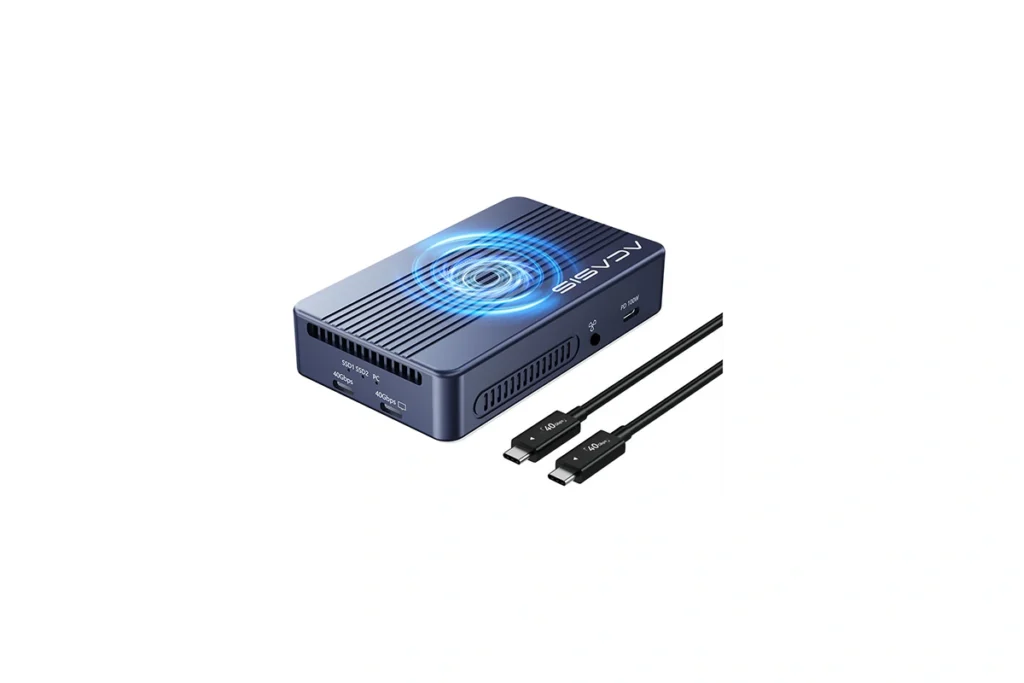
External SSD Drives for a Photography Studio
External SSD drives are essential for storing, backing up, and transferring large image and video files in a photo studio. Choosing the right drive depends on speed, capacity, and portability, which directly affect workflow efficiency.
Drive Options by Type & Speed:
- Portable SSDs: Compact and lightweight, ideal for on-location shoots with fast everyday transfers (up to 20Gbps).
- SSD Enclosures (Thunderbolt 4): High-speed and flexible, perfect for professional RAW workflows or tethered shooting (up to 40Gbps).
- SSD Enclosures (Thunderbolt 5): Maximum performance for massive file transfers, high-resolution video, and demanding studio work (up to 80Gbps).
- Traditional HDDs: Slower but high-capacity, suitable for long-term backups and archiving.
Ready to Choose the Right External SSD?
We recommend external SSDs with high-speed transfer rates and reliable storage to safely handle large photo and video files.
PNY RP60 Portable SSD Drive
Acasis TB501 80Gbps SSD Enclosure
| Buying Factor | PNY RP60 SSD | Acasis TB501 SSD Enclosure |
|---|---|---|
| Storage & Portability | Up to 2TB – Compact, plug-and-play, great for on-the-go storage. | Use your own M.2 SSD up to 8TB – Lightweight enclosure, allows flexible storage options. |
| Speed | Read 2000MB/s, Write 1800MB/s – Fast enough for 4K/8K video and RAW files. | Supports up to 80Gbps (6000+MB/s) – Dependent on installed NVMe SSD; very high transfer speeds. |
| Ease of Use | Ready to use out of the box; USB-C connection. | Requires NVMe SSD installation; plug-and-play after setup. |
| Compatibility | Mac, Windows, USB-C / USB-A compatible with adapters. | Thunderbolt 3/USB4/USB3.2 support; works with Mac and PC. |
| Best For | ✔ Photographers & videographers needing fast, portable storage. | ✔ Users wanting customizable high-speed SSD storage and future upgrades. |
21. Camera Bags
21. Camera Bags
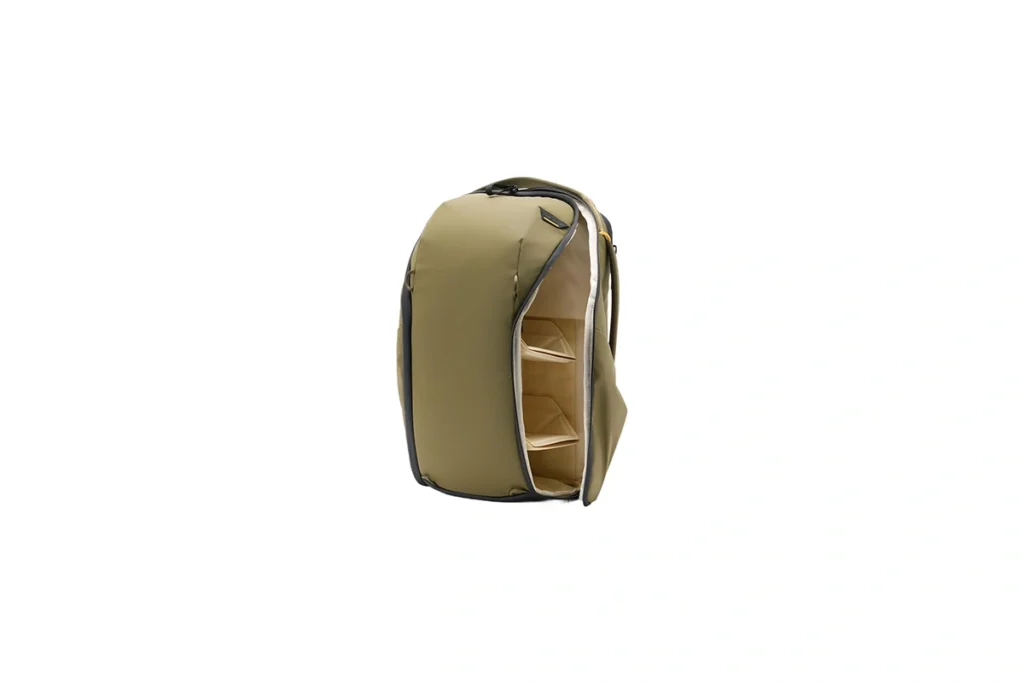
Camera Bags for a Photography Studio
A good camera bag is essential for protecting your gear and staying organized, whether you’re shooting in-studio or on location. When choosing a bag, consider size and capacity it should fit your camera, lenses, and accessories without being bulky. Comfort is key, so look for padded straps and ergonomic designs for long days on the move.
When buying, also think about accessibility and protection. Bags with customizable compartments make it easy to grab gear quickly, while water-resistant or shockproof materials protect your equipment from accidents and weather. Decide whether you need a backpack, shoulder bag, or rolling case depending on your workflow and how often you travel.
Manfrotto Manhattan Camera Backpack Mover-50
Amazon Basics Large DSLR Gadget Bag
| Buying Factor | Manfrotto Manhattan Mover-50 | Amazon Basics DSLR Gadget Bag |
|---|---|---|
| Storage & Portability | 50L capacity – Holds multiple cameras, lenses, and accessories; comfortable padded straps for long shoots. | Large main compartment – Fits DSLR, 2–3 lenses, and accessories; lighter and simpler design. |
| Protection | Thick padded interior with dedicated compartments – Keeps gear safe during travel. | Padded interior with dividers – Protects gear but less customizable than Manfrotto. |
| Ease of Use | Multiple access points – Top, side, and rear; quick grab for gear on the go. | Single main zipper access – Simple and straightforward, easy to carry. |
| Compatibility | Compatible with tripods and travel gear – Side straps for extra equipment. | Best for small DSLR kits and accessories – Lightweight travel-friendly option. |
| Best For | ✔ Professional photographers needing large, organized storage for studio or travel. | ✔ Hobbyists or casual shooters looking for an affordable, practical camera bag. |
22. Photo Studio Equipment Cases
22. Photo Studio Equipment Cases
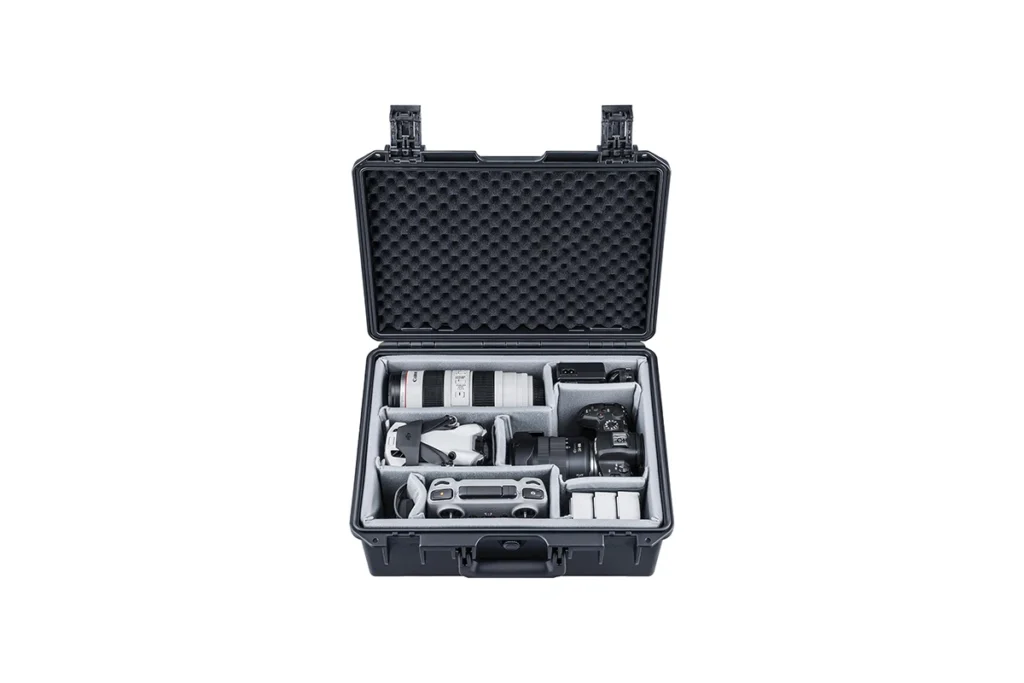
Photo Studio Equipment Cases
Photography storage and studio equipment cases are essential for safely transporting lights, modifiers, and other gear when shooting on location. Look for cases with durable construction, reinforced corners, and padded interiors to protect expensive equipment from bumps, drops, and weather.
When buying, consider size, portability, and organization. Cases with customizable compartments or foam insertshelp keep lights, cables, and accessories organized and ready for quick setup. Wheeled or backpack-style cases make it easier to move heavy gear, while weatherproof designs ensure your equipment stays safe outdoors.
Neewer Trolley Case for Photo Studio Equipment
Neewer Photo Studio Equipment Case Rolling Bag
| Buying Factor | Neewer Photo Studio Equipment Case Rolling Bag | Neewer Trolley Case for Photo Studio Equipment |
|---|---|---|
| Storage & Portability | External Dimensions: 40.1″ x 11.8″ x 11.8″ (102 x 30 x 30 cm); Internal Dimensions: 38.9″ x 10.6″ x 10.6″ (99 x 27 x 27 cm); Lightweight design with dual wheels for easy transport. | External Dimensions: 37.8″ x 11.4″ x 15.7″ (96 x 29 x 40 cm); Internal Dimensions: 34.6″ x 9.8″ x 13.8″ (88 x 25 x 35 cm); Features two wheels and a top handle for mobility. |
| Material & Durability | Made of durable nylon material; designed to withstand the rigors of studio and on-location shoots. | Constructed from high-quality nylon and plastic; built to endure heavy-duty use in various environments. |
| Capacity & Organization | Offers ample space for light stands, tripods, strobes, and other studio equipment; includes padded compartments for added protection. | Spacious main compartment with adjustable dividers; accommodates various photography equipment and accessories. |
| Ease of Use | Equipped with dual wheels and a top handle for easy maneuverability; zippers provide secure closure. | Features two wheels and a top handle for convenient transport; includes padded compartments for organized storage. |
| Best For | ✔ Photographers needing a lightweight, durable bag for transporting studio equipment. | ✔ Professionals seeking a spacious, well-organized trolley case for studio gear. |
23. Light Stands
23. Light Stands
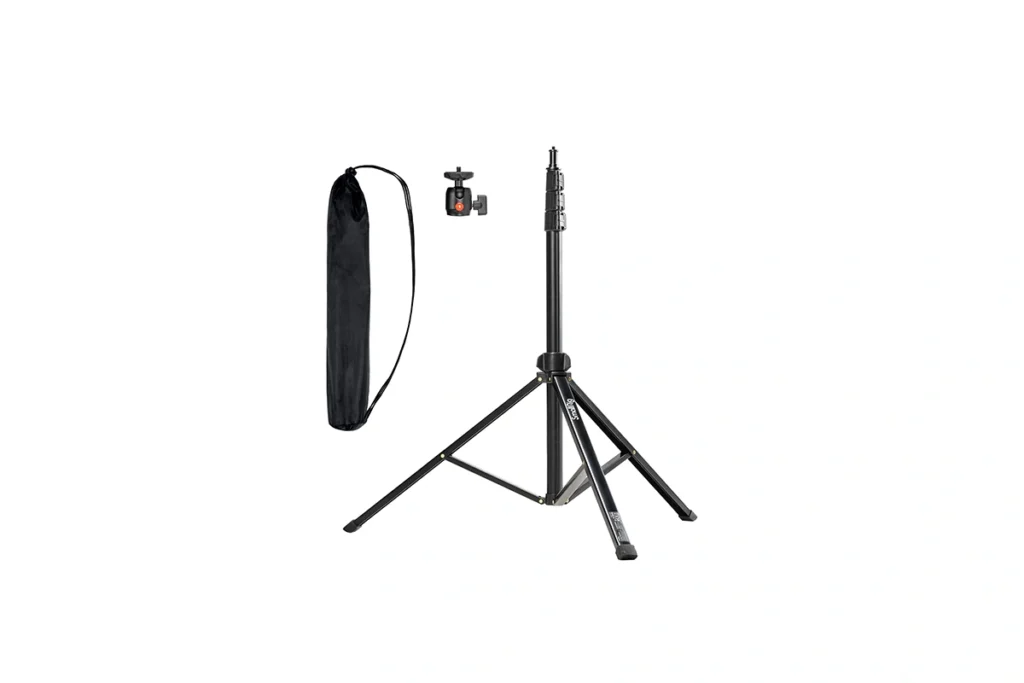
Light Stands for a Photography Studio
Light stands are essential for positioning studio lights, modifiers, and reflectors with stability and flexibility. When choosing a stand, consider height range, load capacity, and material aluminum is lightweight for portability, while steel offers extra durability for heavier lights.
Also think about portability and setup. Collapsible or foldable stands make it easy to transport on location, while adjustable stands allow precise positioning for different lighting setups. Choosing the right stand ensures your lights are stable, safe, and versatile for portraits, products, or creative studio work.
Aluminum Neewer Photography Light Stand
Stainless Steel Photography Light Stand
| Buying Factor | Neewer Aluminum Photography Light Stand | Neewer Stainless Steel Photography Light Stand |
|---|---|---|
| Material & Durability | Lightweight aluminum alloy; corrosion-resistant and suitable for indoor studio use. | Heavy-duty stainless steel; built to withstand outdoor conditions and heavy equipment. |
| Height & Portability | Adjustable height from 3.6′ to 9.7′ (110.5–297cm); folds down to a compact size for easy transport. | Adjustable height from 4.2′ to 9.2′ (126–280cm); folds down to 3.5′ for convenient storage. |
| Load Capacity | Supports up to 22 lbs (10 kg); ideal for lightweight lighting equipment. | Supports up to 22 lbs (10 kg); suitable for heavier lighting setups. |
| Compatibility | Features a reversible 1/4″-20 to 3/8″ stud adapter for wide compatibility with various equipment. | Includes a reversible 1/4″-20 to 3/8″ stud adapter for versatile mounting options. |
| Best For | ✔ Photographers seeking a lightweight and portable stand for indoor studio use. | ✔ Professionals needing a sturdy stand for outdoor shoots and heavy-duty lighting equipment. |
24. Tripods
24. Tripods
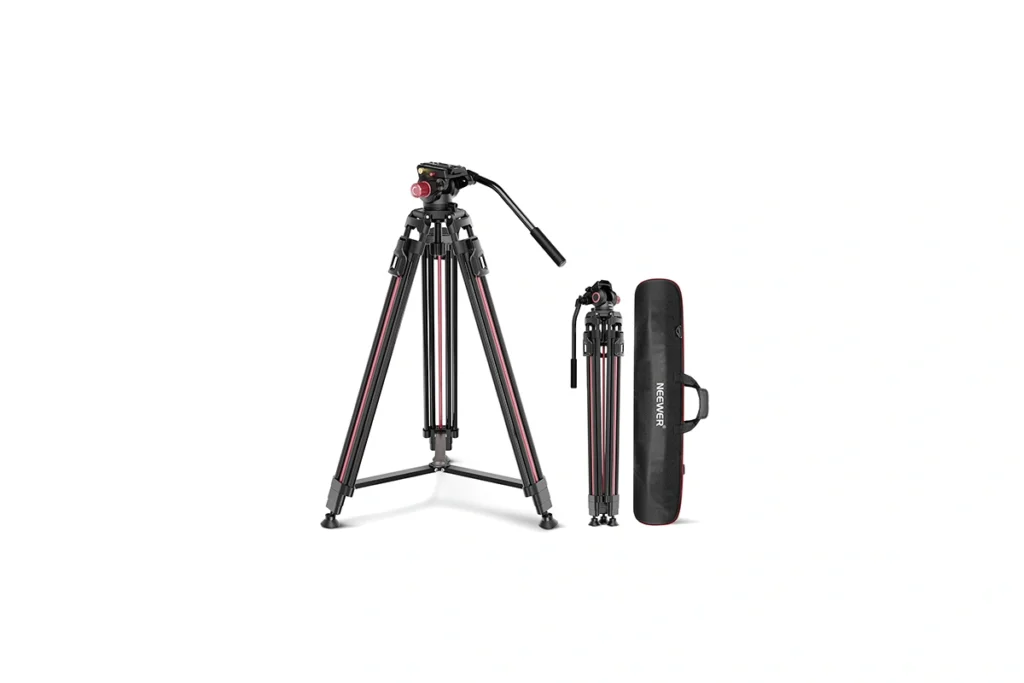
Tripods for a Photography Studio
Tripods are essential for stabilizing cameras in a studio, helping photographers capture sharp images, long exposures, and consistent compositions. For still photography, lightweight tripods offer portability and precision, making them ideal for portraits, products, and controlled studio setups.
For video work, tripods are generally heavier and more robust, often featuring fluid heads for smooth panning and tilting. When buying, consider stability, load capacity, and adjustability to match your camera and lens setup. Choosing the right tripod ensures both photo and video shoots are steady, safe, and professional-looking.
NEEWER 79" Video Tripod
SmallRig 71" Foldable Aluminum Tripod/Monopod
| Buying Factor | NEEWER 79″ Video Tripod | SmallRig 71″ Foldable Aluminum Tripod/Monopod |
|---|---|---|
| Material & Build | Heavy-duty aluminum alloy; designed for stability in studio and video shoots. | Lightweight aluminum; versatile for both studio and on-the-go use. |
| Height & Portability | Maximum height of 79″ (200cm); folds to 35.8″ (91cm) for easy transport. | Adjustable height from 16″ to 71″; folds to a compact size for portability. |
| Load Capacity | Supports up to 17.6 lbs (8kg); suitable for most DSLR and camcorder setups. | Supports up to 33 lbs (15kg) vertically; 11 lbs (5kg) in tilt mode; ideal for heavy-duty equipment. |
| Head Type | 360° fluid drag head with quick-release plate; smooth panning and tilting for video work. | Detachable 360° ball head; offers flexibility for various shooting angles. |
| Best For | ✔ Videographers needing a stable tripod for studio setups. | ✔ Photographers and videographers seeking a versatile tripod/monopod solution. |
25. Photo Editing Software
25. Photo Editing Software
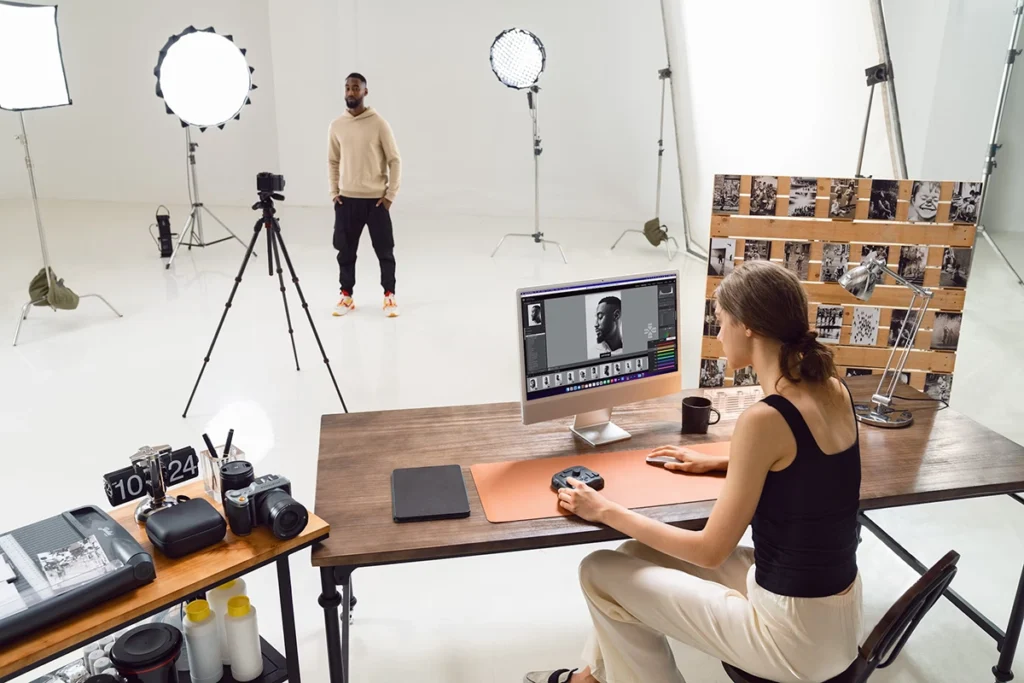
Photo Editing Software for a Photography Studio
Photo editing software is essential for enhancing images, correcting colors, and creating professional-quality results. Modern software offers tools for retouching, compositing, and batch editing, making workflows faster and more precise. Popular features include layers, masks, color grading, and lens correction, all designed to give photographers complete creative control.
AI-powered tools have become a game-changer in photo editing. They can automatically remove backgrounds, enhance details, upscale images, and even generate realistic edits based on your prompts. Using AI features alongside traditional tools allows photographers to save time, experiment creatively, and maintain high-quality results for portraits, products, or commercial work.
Luminar Neo Photo Editing Sofrware
Adobe Creative Cloud
| Buying Factor | Luminar Neo | Adobe Creative Cloud (Photoshop/Lightroom) |
|---|---|---|
| Editing Features | AI-powered tools for automatic adjustments, sky replacement, skin retouching, and creative effects. | Advanced professional editing with layers, masks, selective adjustments, and precise color control. |
| Ease of Use | User-friendly interface suitable for beginners and pros who want fast edits. | Steeper learning curve; best for professional photographers or advanced hobbyists. |
| File Management | Basic library and cataloging; allows organizing photos within the app. | Lightroom offers powerful photo organization and cloud sync; Photoshop is file-based editing. |
| Compatibility | Mac and Windows; standalone purchase or subscription available. | Mac and Windows; subscription required; integrates seamlessly with other Adobe apps. |
| Best For | ✔ Creators wanting fast, AI-driven edits and creative enhancements. | ✔ Professionals needing complete control over image editing and workflow. |
26. Website, Portfolio
26. Website, Portfolio
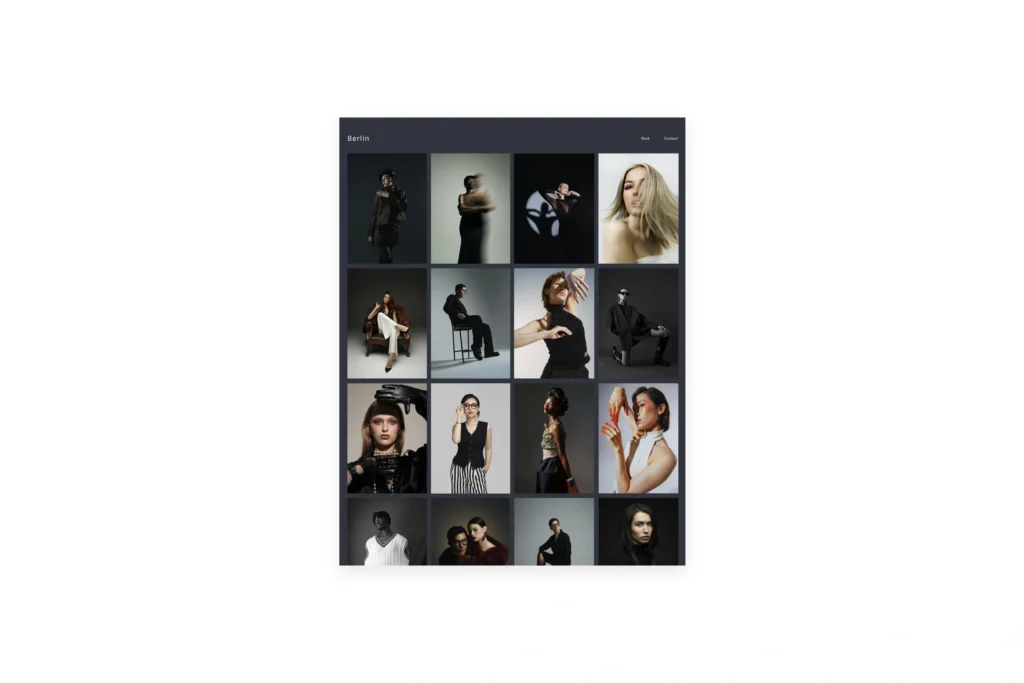
Website Portfolio for a Photography Studio
A professional website portfolio is essential for showcasing your work, attracting clients, and building your brand. It allows photographers to display galleries, highlight specialties like portraits or product photography, and provide contact information all in one place. A clean, easy-to-navigate design ensures visitors focus on your images and experience your style.
When building your portfolio, consider speed, mobile responsiveness, and SEO to reach more potential clients. Integrating features like client galleries, booking forms, and social media links can make your site interactive and functional. A well-designed portfolio not only demonstrates your skills but also helps you grow your photography business.
Pixieset
Squarespace
| Buying Factor | Pixieset | Squarespace |
|---|---|---|
| Specialization | Tailored for photographers with client galleries, proofing, and print sales. | All-in-one website builder suitable for various industries, including photography. |
| Ease of Use | Intuitive interface designed for photographers; minimal setup required. | Drag-and-drop builder with customizable templates; may require more setup for photography-specific features. |
| Client Management | Built-in tools for client proofing, invoicing, and contract management. | Offers basic client management features; may require third-party integrations for advanced functionalities. |
| Website Features | Focuses on gallery presentation and image delivery; limited website customization. | Comprehensive website features including blogging, e-commerce, and SEO tools. |
| Pricing | Competitive pricing with tiered plans based on storage and features. | Pricing starts at $16/month; higher tiers offer advanced features and e-commerce capabilities. |
| Best For | ✔ Photographers seeking a streamlined platform for client galleries and image delivery. | ✔ Creatives and businesses desiring a versatile website with extensive customization options. |
27. Marketing, Branding
27. Marketing, Branding

Marketing & Branding for Your Photography Studio
Effective marketing and branding are essential for attracting clients and establishing a strong presence in the photography industry. Key strategies include:
- Developing a Unique Brand Identity: Establish a memorable logo, consistent color scheme, and a cohesive visual style that reflects your photography niche.
- Building an Engaging Online Portfolio: Showcase your best work through a user-friendly website that highlights your services, testimonials, and contact information.
- Leveraging Social Media Platforms: Utilize platforms like Instagram, Facebook, and Pinterest to share your work, engage with followers, and reach potential clients.
- Networking and Collaborations: Partner with local businesses, influencers, and other creatives to expand your reach and gain referrals.
For more in-depth guidance, visit johnmakphotography.com/evolve, where we share expert tips and resources to help photographers grow their businesses.
Final Thoughts
Building a professional photography studio requires careful planning, the right equipment, and smart workflows. From lighting and cameras to storage, editing tools, and marketing strategies, every element plays a role in creating high-quality images and growing your business successfully.
If you found this guide helpful, share it with other photographers, leave a comment with your favorite tip, or tell us which gear you rely on most.
Your feedback helps us continue providing valuable resources for the photography community.

33 thoughts on “Photography Studio Equipment List for Beginners and Pros 2026 Complete Guide”
Thanks for this article… Hope to get more from you. Because I want to start photography studio business
Thank you, Christopher. I have updated the article and I will write more about photo studio equipment. Would you be interested in something specific? Please let me know how I can help!
Hello, very helpful but I didn’t see any info about printers. Thanks
Hello Olga, thank you for your kind words! I have updated the article including a few printer options. Let me know if you need anything specific! Thanks again!
Thank you very much, this is helpful.
Thank you for the feedback! Please, if you need further assistance or you have questions on photo studio gear, feel free to reach out to us here https://johnmakphotography.com/contact/.
This is really helpful I can now choose what I need to start up my photo studio thanks …But in terms of Camera which do you prefer for a beginner to use on a minimum budget ..
Thank you for your feedback! Regarding cameras, it doesn’t matter because the latest ones are all good. However, invest in a good lens, preferably a 24-70mm f2.8 and a prime lens 50mm f1.8 (35mm f1.8 on an APS-C camera)!
Thank you for this article! May I know what monitor do they use in Self Studio? They just have to look at this monitor and click the Bluetooth remote . Thank you
BenQ does offer a range of monitors suitable for photographers and videographers, catering to different budget ranges and feature preferences. In the mid-range, the BenQ PD2700U is worth considering for its 27-inch 4K display, providing ample screen real estate for editing tasks and excellent color accuracy. For those on a tighter budget, the BenQ GW2780 offers a 27-inch Full HD display with eye-care technology, making it a practical choice for extended editing sessions. BenQ’s range often includes features like IPS panels for wide viewing angles and accurate colors, making them reliable photo and video editing options without breaking the bank. Consider your needs and budget when choosing the right BenQ monitor for your studio.
Very informative! Thank you.
Thank you for the kind words!
Hello great article there, BTW can you make another list or recomendation for External Flash setup and its Flash trigger?
Thankyou 🙂
Consider the Godox TT600 flash paired with the Godox XPro or X1T trigger for a budget-friendly external flash setup and flash trigger. The Godox TT600 provides reliable performance and versatility at an affordable price. At the same time, the Godox XPro and X1T triggers offer wireless control, allowing you to adjust flash settings and trigger multiple flashes simultaneously. Another budget option is the Yongnuo YN560 IV flash with the Yongnuo RF-603 II trigger, providing a cost-effective solution for manual flash control. These combinations balance affordability and functionality, making them suitable for photographers starting a studio on a budget.
Thanks alot
Welcome!
Creating your photo studio on a tight budget can be a blast! Start with a budget-friendly DSLR or mirrorless camera, and snag a versatile prime lens. Embrace natural light, adding affordable LED lights if needed. Keep backdrops simple with everyday items like bed sheets. An essential tripod works wonders, and white foam boards make great reflectors. Edit your pics on a budget with free or low-cost software like GIMP or Lightroom. Save on storage using external hard drives and get crafty with DIY gear like diffusers. Spruce up your skills with friendly-priced educational resources or via YouTube, and remember, you can upgrade your kit as you go. Happy shooting!
Thank you, I appreciate the feedback!
Many thanks!
Opt for neutral backgrounds such as white, gray, or black for product photography to ensure your products take center stage. Seamless paper rolls are cost-effective, providing a clean, distraction-free surface. Consider the texture and style of your backdrop—wood or fabric can add character while consistency across your product line maintains a professional look. Pay attention to lighting interactions, and choose a backdrop material that suits your products and is easy to maintain.
Starting a photo studio is a rewarding endeavor that demands dedication, enthusiasm, and continuous learning. The photography landscape is ever-evolving, so staying abreast of the latest techniques, equipment, and trends is crucial for delivering high-quality images. Invest time honing your technical skills, understanding lighting nuances, and mastering post-processing techniques. Engage with the photography community, attend workshops, and leverage online resources to expand your knowledge. Cultivate a passion for storytelling through your images and prioritize client satisfaction. As you grow your skills and build a portfolio, the combination of effort, enthusiasm, and ongoing education will set the foundation for a successful and fulfilling journey in photography.
My enthusiasm in starting a photography business was triggered after reading your article. Very helpful in discerning what equipment to use. Can you suggest any printer for the photos? Thank you and more power.
Thank you for the kind words. I am happy you have found this article helpful! I know that Canon and Epson make high-quality photo printers. The most popular is the Canon imagePROGRAF PRO-1000, the EPSON SURECOLOR SC-P900, or, a little bit cheaper, the EPSON EcoTank ET-8550.
Hi Thanks putting this together! I question what AI will do in this area over the next five years.
I’m an up coming photographer looking to improve, expend and give my clients an amazing quality image and services.
Thank you for this great article,really helpful.
Thank you for this beautiful article, it helped me a lot
One of the best articles.
Great read, great information. I enjoy the links to places items can be purchased. All of a sudden I’m super motivated to create and share the beauty around me daily.
Nicely done. I thank you.
Regenia Marie
This is really a great article for beginners like me to jump start with. Thank you John Mark for such an adorable take through.
Question: Can one do both photography and videography with the same equipments?.
Thank you for your kind words!
To answer your question: Yes, you can absolutely use some of the same equipment for both photography and videography, but there are a few key differences to consider. For example, while photography lighting is often flash-based (like strobe lights), videography requires continuous lighting so that the scene stays evenly lit during recording. A great option for videography is LED panels because they provide constant, adjustable light and don’t overheat.
That said, cameras, lenses, tripods, and backdrops often work well for both photography and video, so you don’t have to start from scratch if you want to explore both fields!
Wow.. amazing I’m good to go…thanks so much….so handy to get started
Best article ever
I really wish I can a PDF copy of this
Great guide, is it possible to guide and all guides on this website in PDF format?